The Request That Isn’t Simple
In 2010, Google published a finding that became quietly famous in engineering circles: adding 400 milliseconds of latency to search results caused users to search measurably less, even days later. Not just in that session. The frustration persisted. The implication was uncomfortable. The experience of waiting for a page isn’t neutral. It rewires behavior.
But here’s what that study doesn’t tell you: those 400 milliseconds are almost entirely invisible to the person who built the page. The delay lives in the handshakes, the lookups, the negotiations happening before a single byte of content changes hands. To understand web performance, you have to understand what your browser is actually doing in those first two seconds. It’s not waiting. It’s working.
The Setup: One URL, Dozens of Handoffs
Let’s take a specific case. You’re at your desk and you type https://www.nytimes.com and press Enter. From your perspective, you’ve done one thing. From a networking perspective, you’ve triggered a sequence of events that spans multiple servers, protocols, and geographic locations.
Step one isn’t a web request at all. It’s a phone book lookup.
Your browser needs to convert the human-readable hostname into an IP address, and it does this through the Domain Name System. If you’ve never visited this site before, your browser asks your operating system, which asks your router, which asks your ISP’s DNS resolver, which may have to traverse several more servers before getting an answer. Each hop adds latency. The whole DNS resolution process typically takes somewhere between 20 and 120 milliseconds on a modern connection, though it can stretch much longer. Your browser caches the result aggressively to avoid doing this on every request.
Now your browser knows where to connect. But it still can’t send data.
What Happened: The Handshakes You Never See
Before any HTTP request goes out, the browser and the server have to establish a TCP connection. This requires what’s called a three-way handshake: your browser sends a SYN packet, the server sends back a SYN-ACK, and your browser sends an ACK. Three messages across the network. At 50 milliseconds round-trip time (a reasonable number for domestic connections), that’s 50ms gone before anything has been requested.
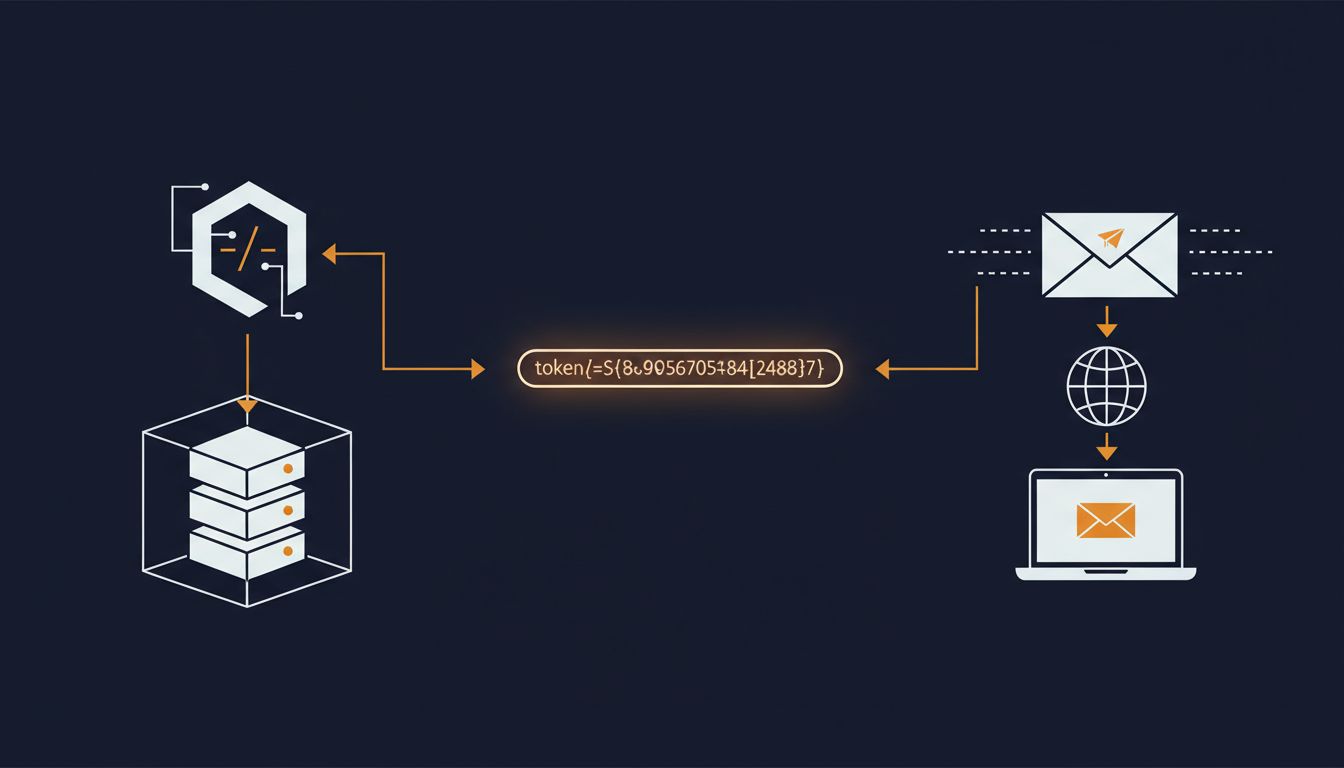
Then, because you typed https, the TLS negotiation begins. TLS is what puts the padlock in your browser’s address bar. It’s a cryptographic protocol that verifies the server is who it claims to be, and then establishes encrypted communication. In TLS 1.2, this required two additional round trips. TLS 1.3, which most modern servers now use, reduced this to one, saving precious time. But it still costs a round trip.
So before you’ve received a single byte of a web page, you’ve potentially spent 150 to 250 milliseconds just on connection setup. On mobile networks or across greater distances, that number climbs fast.
Only now does your browser send an HTTP GET request.
The Response and What Comes With It
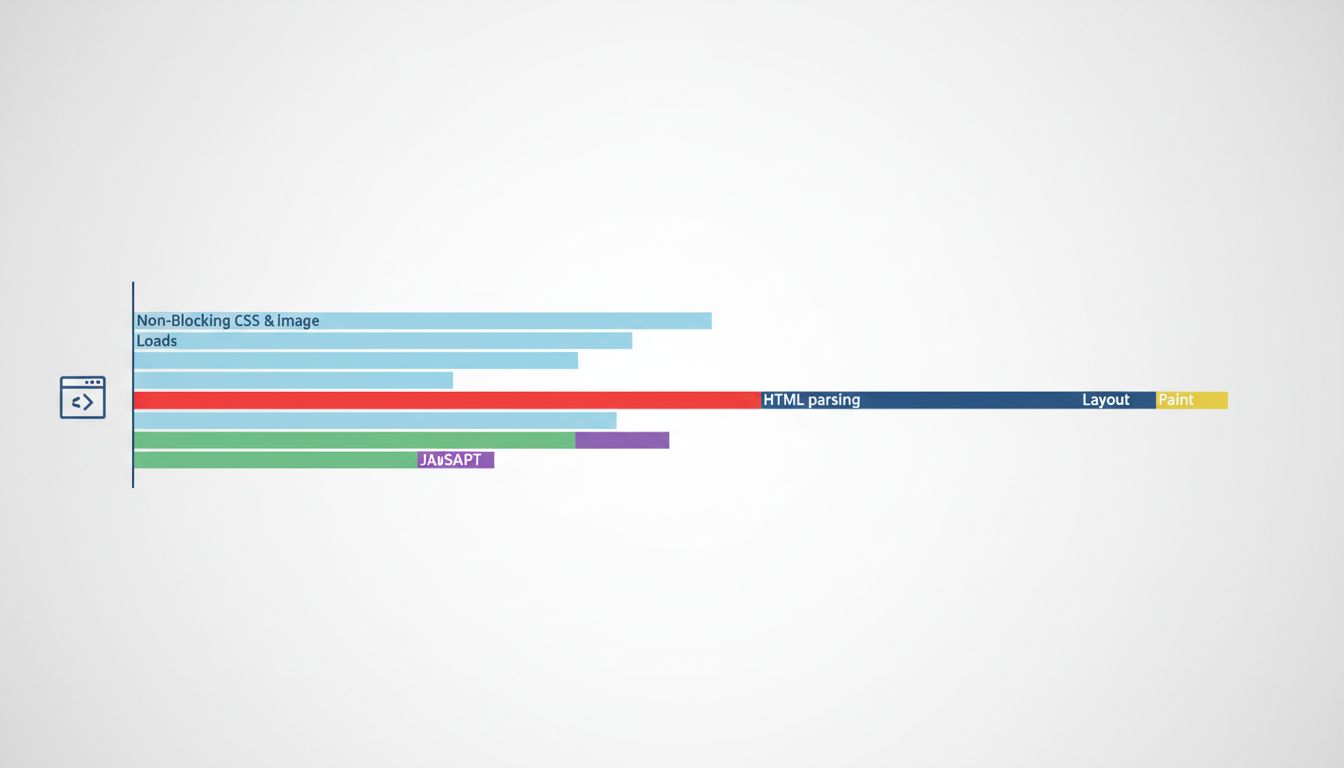
The server processes the request and responds with HTML. But HTML is rarely a complete page. It’s a set of instructions. And the browser starts reading those instructions immediately, even before the full file has arrived, in a process called incremental parsing.
As the HTML parser finds references to other resources (a CSS file, a JavaScript file, a font, an image), it queues additional requests. A typical news homepage can trigger dozens of sub-requests from a single HTML file. Each JavaScript file that’s tagged as “render-blocking” (meaning the browser won’t display anything until that file is downloaded and executed) adds directly to your wait time.
This is where many pages quietly sabotage themselves. A developer adds a third-party analytics script or a tag manager with good intentions, and it gets loaded synchronously in the <head>. Suddenly, every visitor is waiting for a server in another country before seeing anything at all.
Modern browsers have gotten clever about this. They run a “preload scanner” that looks ahead in the HTML for resources to fetch while the main parser is blocked on something else. But the preload scanner is a mitigation, not a solution. The underlying problem is that HTML was never designed for the complexity it now carries.
Why It Matters: Performance Is Product
The Nytimes.com case study here isn’t hypothetical. In 2016, the Times rebuilt its mobile web experience as a progressive web app. The result was a site that loaded in under a second on repeat visits (after service workers cached assets locally). Session length increased measurably. This wasn’t a redesign. The content was the same. The improvement was entirely in the machinery underneath.
Amazon famously quantified similar dynamics internally, finding that each 100 milliseconds of added latency cost them a meaningful percentage of sales. The specific number is frequently cited but rarely sourced, so treat it with appropriate skepticism. But the direction of the effect is not in dispute. Slower pages lose conversions. The relationship is consistent and well-documented across industries.
The details in The 47 Steps Between Typing a URL and Seeing a Page map this territory exhaustively if you want the full technical picture. But the business case is simpler: users can’t distinguish between “the server is slow” and “the site is bad.” The experience is the same from their side of the screen.
What We Can Learn
The thing that strikes me about this whole pipeline is how much of it is invisible to developers working in their local environment. On localhost, DNS resolution takes microseconds. TCP connects to itself. TLS is often skipped entirely. A page that loads instantly in development may take two seconds in production, and the developer never encounters the problem because they’re never the user.
This is part of why performance regressions are so common and so hard to catch. They don’t feel like bugs. They feel like slowness, and slowness is easy to rationalize as normal.
A few concrete takeaways for anyone who builds things for the web:
DNS matters more than people think. Choosing a registrar or DNS provider with low propagation times and using DNS prefetch hints (<link rel="dns-prefetch">) for third-party domains is free performance.
TLS 1.3 is not optional anymore. If your server still negotiates TLS 1.2 by default, you’re adding a full round trip to every first connection. The upgrade is straightforward.
Render-blocking resources are the biggest controllable variable. Moving JavaScript to the bottom of the document, using async or defer attributes, and inlining critical CSS can cut seconds off time-to-first-paint without changing anything a user would notice.
CDNs aren’t just for bandwidth. A content delivery network reduces the geographic distance between user and server, which cuts round-trip time directly. For a global audience, this matters more than nearly any other optimization.
The two seconds you experience as a user contains real engineering. Most of it is invisible, most of it is necessary, and most of it is improvable. The browser is doing everything it can. The question is whether the systems behind it are doing the same.