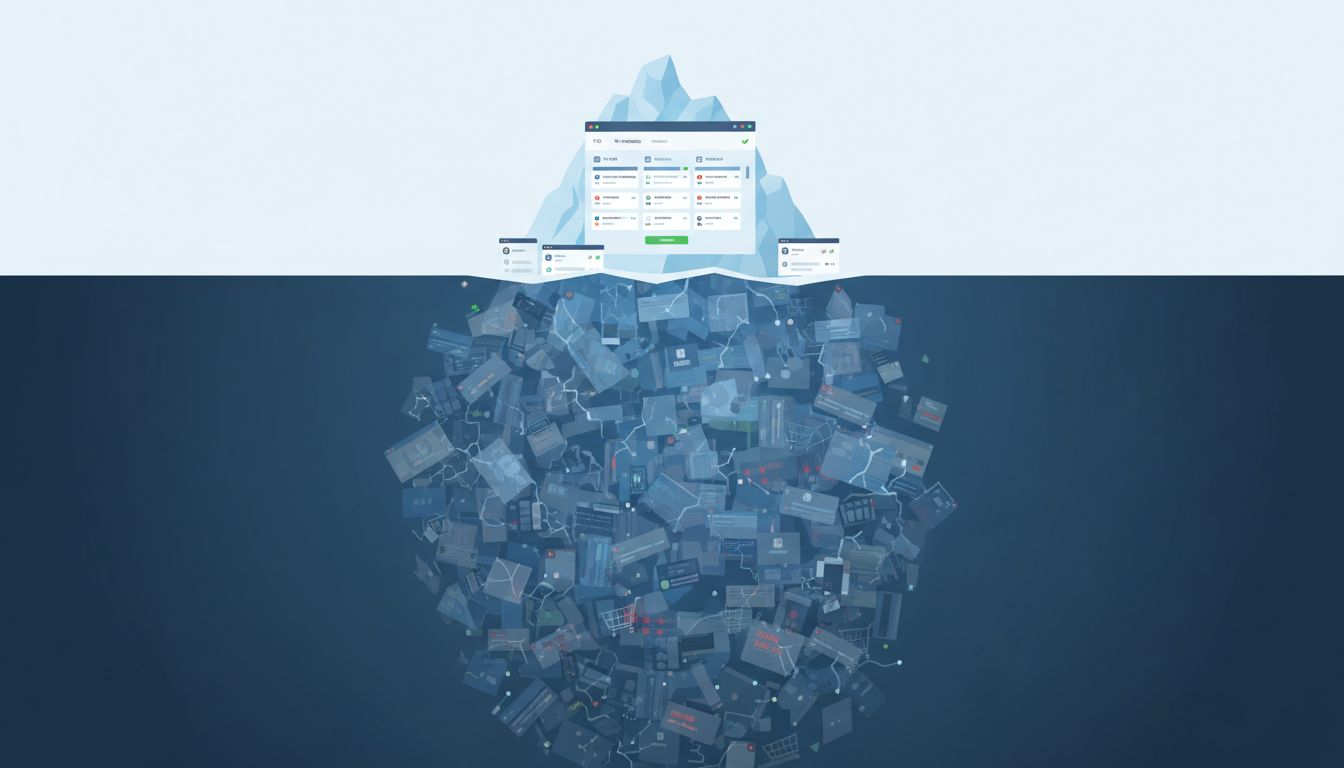
Software teams track what gets reported. That’s the problem. Bug trackers are populated by the people who bother to file tickets, which is a self-selecting group that excludes most of the people your software actually affects. The result is a systematic blind spot in how engineering teams understand their own products.
Here are six categories of bugs that consistently escape the tracker.
1. The Silent Exit
A user runs into friction, confusion, or an error. They don’t report it. They leave. This is the most common class of unfiled bug and the hardest to detect, because the person who experienced it is no longer in your system to be surveyed.
E-commerce research has shown that cart abandonment rates routinely sit above 70%. Not all of that is bugs, but a meaningful fraction is: confusing form validation, an address field that rejects valid international formats, a payment step that fails silently. Nobody files a ticket. The user just doesn’t come back. Your analytics might show a drop-off at checkout; they won’t tell you what caused it.
2. The Workaround That Became Muscle Memory
Power users find paths around broken functionality so quickly that they forget the functionality was ever broken. Ask someone who has used a complex internal tool for three years to walk you through their workflow, and you’ll often find elaborate compensating behaviors: they always paste into Notepad first to strip formatting, they always reload after saving, they never use the search because it drops results.
These workarounds represent real bugs. The user has just adapted to the cost so thoroughly that they no longer experience it as a bug. They experience it as “how the tool works.” And because they’re proficient, they’re unlikely to be included in usability testing where the friction might become visible.
3. The Bug That Only Appears in Production Data
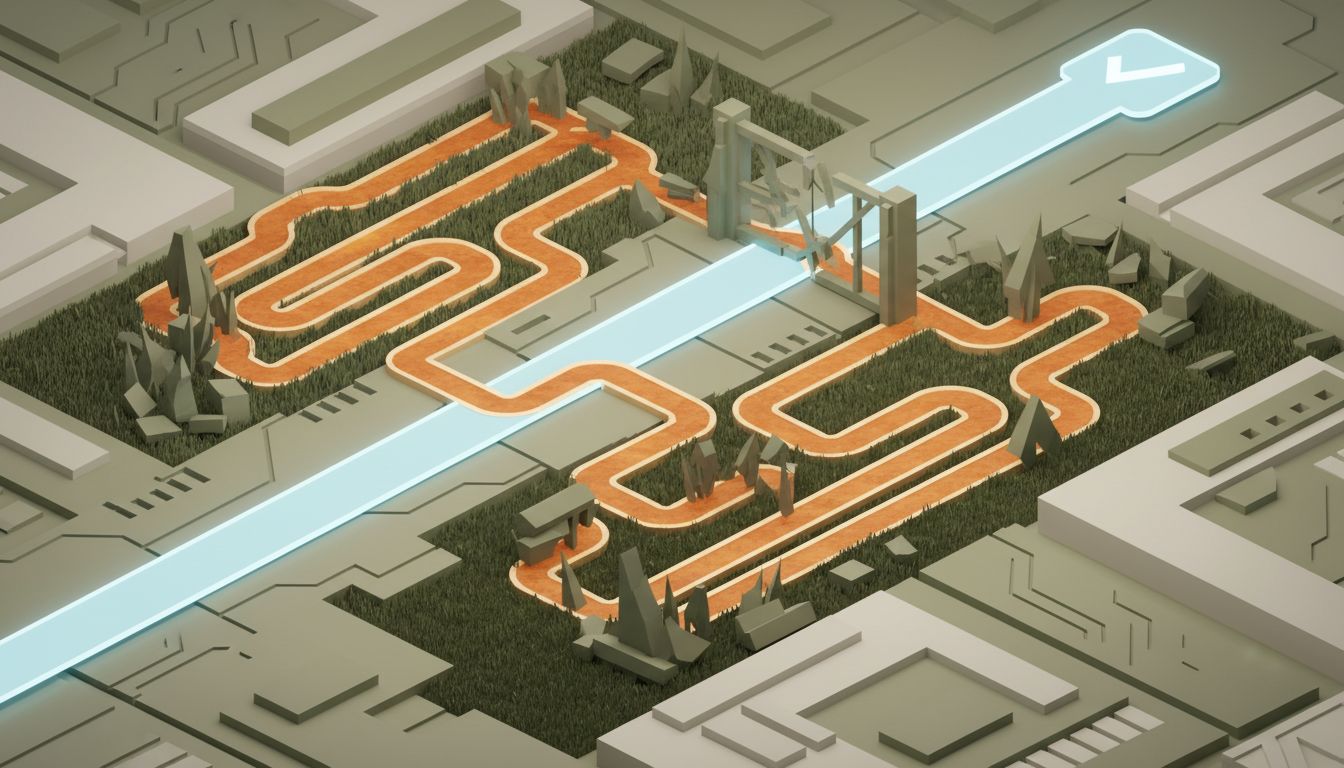
Test environments use clean, well-formed, developer-authored data. Production data is 15 years of accumulated human decisions, including the person who put their company name in the first name field, the address with a directional that breaks your regex, and the legacy record with a null where your schema now expects a string.
These bugs don’t appear in staging. They appear for specific users with specific histories, often intermittently as they interact with specific features. The users experiencing them are frequently confused about what went wrong, which makes their reports vague. Many never report at all, assuming they did something wrong. The ones who do report often get closed as “cannot reproduce.”
4. The Accessibility Failure Nobody Knows to Name
If your form isn’t navigable by keyboard, screen reader users hit a wall. They typically don’t file a ticket saying “your focus management is broken.” They either find another way, ask someone else to complete the task for them, or abandon the product entirely. The bug never surfaces because the person experiencing it often lacks a channel to report it, lacks confidence that a report would be acted on, or simply doesn’t have the vocabulary to articulate what’s happening in a way a support team would escalate.
WebAIM’s screen reader user surveys consistently show that inaccessible forms are among the most common barriers users encounter. These aren’t edge cases. They’re patterns that affect a predictable segment of your users at scale, and they almost never make it into the tracker.
5. The Performance Problem That’s Below the Complaint Threshold
Users complain about crashes. They don’t complain about pages that take 2.3 seconds instead of 0.8 seconds. They just feel vaguely dissatisfied and use the product less. Google has published research showing that as page load time increases from one to three seconds, bounce probability increases significantly. But that relationship doesn’t surface as bug reports. It surfaces as gradually worsening engagement metrics that get attributed to competition, seasonality, or marketing.
The threshold for performance bugs to get filed is roughly “the page didn’t load at all.” Below that, the cost accumulates invisibly. This is one reason that teams who instrument their performance carefully, tracking p95 and p99 latencies rather than just averages, catch different problems than teams who rely on user reports.
6. The Subtle Data Corruption That Looks Like User Error
This is the most dangerous category. A bug corrupts data in a way that’s plausible. A calculation rounds wrong. A record gets linked to the wrong account. A timestamp shifts by one day because of a timezone edge case. The user sees an output that looks like it could be right, or assumes they made a mistake, or doesn’t notice at all because they have no baseline for what the correct value should be.
By the time someone notices, the corrupted data has often propagated. The original bug may be long gone, fixed in a refactor nobody documented as touching that path. What’s left is a mess that looks like user error or data migration issues. As anyone who has worked on long-lived systems knows, untangling this kind of accumulated damage is one of the harder problems in software maintenance.
The common thread across all six categories is that the bug tracker only captures complaints from users who know they experienced a bug, can articulate it, and chose to report it. That’s a small and unrepresentative sample.
The practical response isn’t to nag users to file more tickets. It’s to instrument differently: measure exit rates at specific steps, run usability sessions with actual users on actual tasks, track performance distributions rather than just uptime, run accessibility audits on a cadence rather than waiting for reports. The bugs that matter most are often the ones your users have already given up on telling you about.