Dropping a column from a database table feels like housekeeping. You’re not adding complexity, you’re removing it. The column is unused, cluttering your schema, and your tech lead has been asking about it for months. You run ALTER TABLE orders DROP COLUMN legacy_flag, it completes in milliseconds, and you move on.
Then something breaks. Often something you never would have predicted.
This is one of those operations that looks trivial in development and causes production incidents at companies of every size. Here’s why.
1. Your Application Code and Your Database Are Not the Same Service
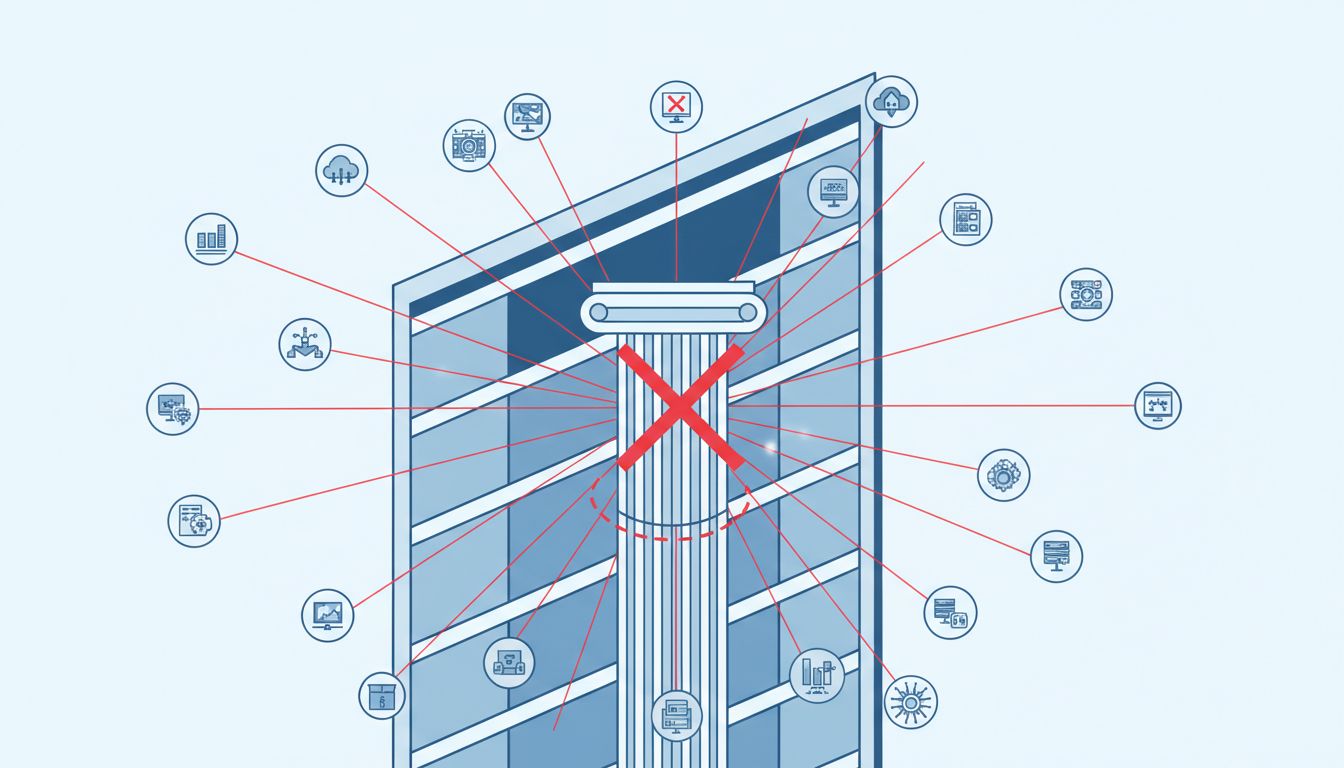
In most production architectures, the application and the database deploy independently. You delete the column, merge the migration, and it runs against production. But the old application code, the version still running on half your servers during a rolling deploy, still expects that column to exist. When it queries for it, the database returns an error. Requests fail.
This is the classic “expanding and contracting” problem in zero-downtime deployments. The safe version involves three steps: first deploy code that ignores the column but doesn’t require it, then drop the column, then clean up any remaining references. Most teams skip directly to step two. The column is “unused,” after all.
The problem is that “unused” is hard to verify. ORM frameworks like Django or ActiveRecord often generate SELECT * queries, which will happily include your column in results. If any part of the codebase then tries to map that result to a model that still lists the column, you get a runtime error.
2. Somewhere, Something Is Reading That Column Directly
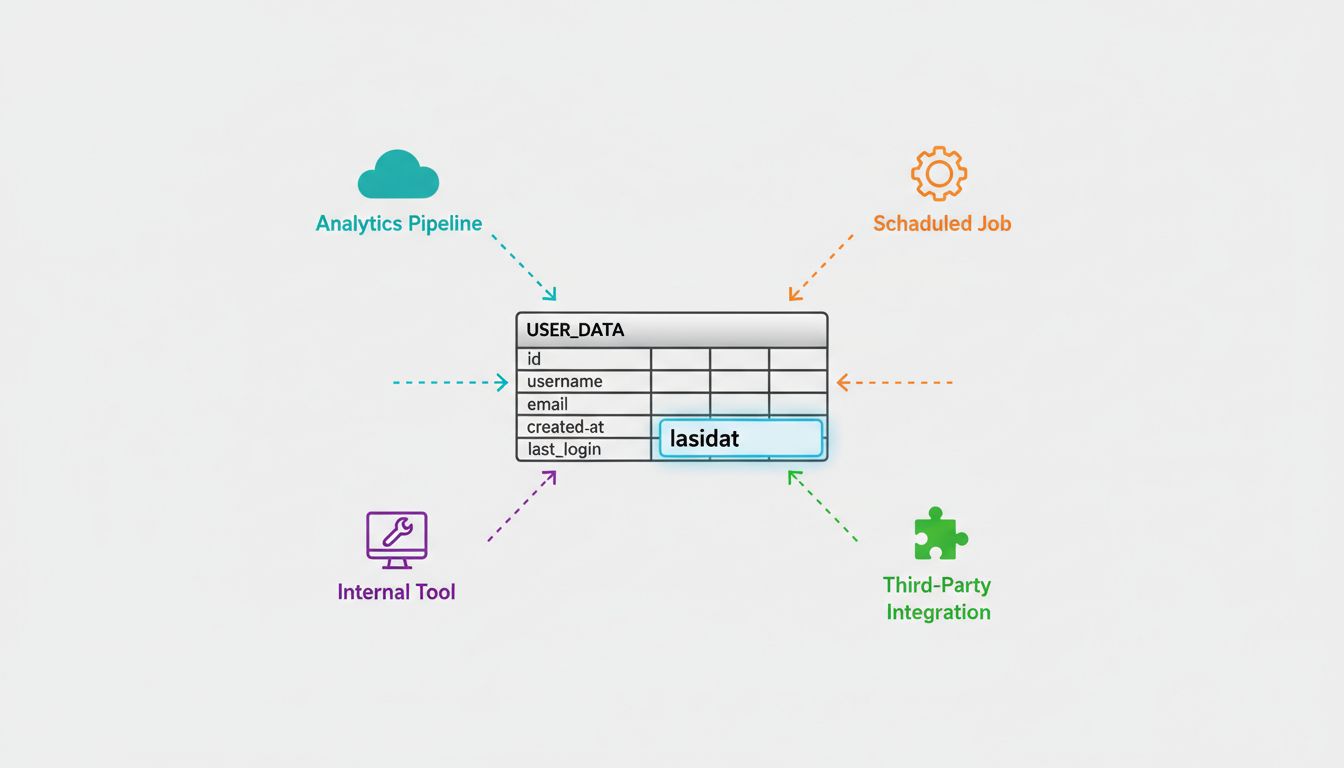
Application code is only one consumer of your database. There are also scheduled jobs, analytics pipelines, data exports, internal tools built by another team six months ago, third-party integrations that query your replica, and that one script in a private repo that runs every Monday to generate a report for the CFO.
None of these will surface in a grep of your main codebase. Many won’t show up in any monitoring until they fail silently or loudly at their next scheduled run. This is especially true of reporting infrastructure: the kinds of queries that run weekly or monthly go untested for long stretches, and the people who depend on them often don’t realize anything broke until data is already missing or wrong.
A good mitigation here is to check your database query logs before dropping anything. Most databases, including PostgreSQL and MySQL, can log slow or all queries. If you scan a week of logs for references to the column name and find nothing, you’ve substantially reduced your risk. If you find hits from sources you don’t recognize, that’s exactly the kind of discovery this exercise is designed to surface.
3. The Migration Itself Can Lock the Table
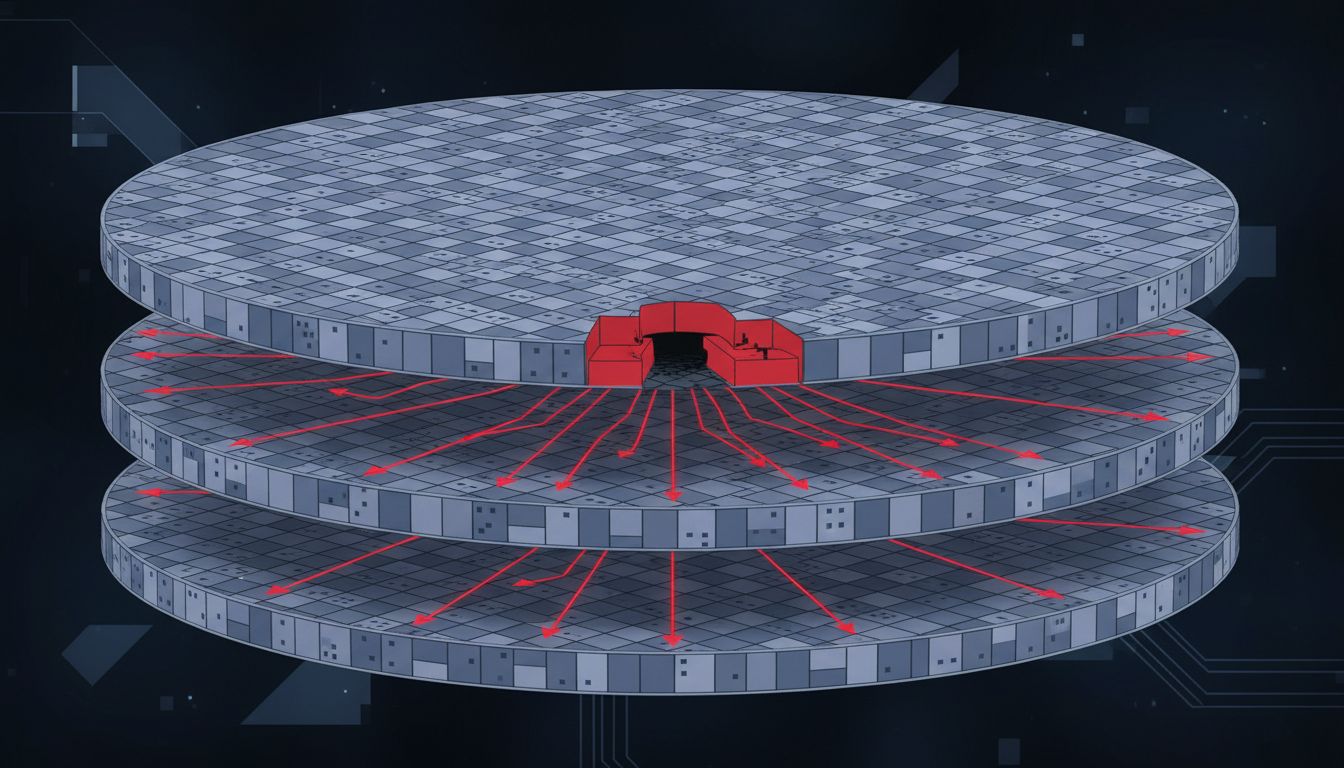
On a small table, ALTER TABLE is instant. On a table with tens of millions of rows, the same command can hold an exclusive lock for minutes. During that time, every write to the table queues up behind the lock. If your application is write-heavy, this produces a traffic jam that cascades into timeouts and errors across the whole service.
PostgreSQL’s ALTER TABLE ... DROP COLUMN doesn’t actually rewrite the table in modern versions (it marks the column invisible and reclaims space gradually). This makes it relatively safe. MySQL’s behavior has historically been more disruptive, though online DDL support has improved significantly in recent versions. Regardless of database, any schema change on a high-traffic table deserves explicit testing against production-scale data volume before you run it live.
This is also why migration tools that let you run schema changes during low-traffic windows are worth the operational complexity. A column drop at 2am on a Sunday is a different risk profile than the same operation at peak traffic on a Tuesday.
4. Foreign Keys and Indexes Don’t Always Clean Up After Themselves
If the column you’re dropping is referenced by an index or a foreign key constraint, some databases will refuse the operation unless you explicitly drop those dependencies first. Others will cascade silently, removing the index without warning you.
Either failure mode is bad. The explicit failure at least tells you something. The silent cascade means you may have just removed an index that was doing real work, and your query performance degrades in ways that don’t show up immediately. A query that previously used the index falls back to a full table scan. Under normal load, it’s slow but functional. Under peak load, it times out.
The fix is to treat every column drop as a schema audit for that column specifically: find every index, constraint, and trigger that references it before you run anything.
5. You Probably Can’t Easily Undo It
Code deploys are reversible. You roll back to the previous build and the application is restored. Schema changes, especially destructive ones, are not so forgiving.
When you drop a column, the data in that column is gone. If you have a backup, you can restore it, but restoring a production database from backup is not a quick operation, and it comes with its own risks: you may overwrite writes that happened after the backup was taken. For any table that receives continuous writes, the recovery window between “backup taken” and “column dropped” could represent significant lost data.
The quietest bugs are the ones your tests are built to miss, and this is the schema equivalent: a destructive migration that your test suite passes completely, because the test database is small, isolated, and doesn’t represent the full web of systems reading your production data.
The practical implication is that column drops should go through the same change management review as any other irreversible operation. The fact that it’s expressed as a single SQL statement shouldn’t make it feel lighter than it is.
6. “Unused” Is Often an Assumption, Not a Fact
The reason teams drop columns is usually that someone added a column for a feature that never shipped, or a feature that was later removed. The column looks orphaned. But database schemas accumulate history, and “nobody is using this” is a hypothesis, not something most teams have actually verified.
A more conservative approach: rename the column to something like _deprecated_legacy_flag and let it sit for one release cycle. If nothing breaks and no one complains, you have much stronger evidence it’s actually unused. Then drop it. The cost is a slightly messier schema for a few weeks. The benefit is a canary that catches any consumer you missed.
This kind of disciplined caution is exactly what separates teams that have database-related outages from teams that don’t. The operation is fast. The verification is what takes time. That’s the part that’s worth doing.