The Simple Version
A compiler reads the code you wrote, checks it for errors, and translates it into a sequence of extremely simple instructions that your processor can execute directly. Everything else is details, but the details are worth knowing.
Why the Gap Exists
Your CPU is, at its core, a machine that does arithmetic and moves data around. It understands instructions like “add these two numbers” or “store this value at this memory address.” It does not understand if user.is_authenticated() or for item in cart. Those constructs exist for your benefit, not the machine’s.
Programming languages are designed around how humans reason about problems. CPUs are designed around what silicon can do quickly. A compiler is the translator that lives between those two realities.
Without compilers, you would be writing assembly code: terse, architecture-specific instructions that map almost directly to hardware operations. A handful of engineers still do this for performance-critical work, but it’s brutally slow to write and nearly impossible to maintain at scale. Compilers let the rest of us work at a higher level without paying most of the performance cost.
The Four Stages (Roughly)
Most compilers do their work in distinct phases, and understanding them loosely will change how you read error messages.
Lexing and parsing. The compiler first breaks your source code into tokens: keywords, variable names, operators, punctuation. Then it builds a tree structure (called an abstract syntax tree, or AST) that represents the grammatical structure of your program. This is where you get syntax errors. When the compiler says “unexpected token on line 42,” it means the token it found doesn’t fit the grammar rules at that position in the tree.
Semantic analysis. The compiler now checks whether your code makes sense, not just whether it’s grammatically valid. Are you calling a function that exists? Are you passing it the right types of arguments? Are you using a variable before assigning it a value? Type errors and undefined-variable errors come from this stage. Many bugs that would only appear at runtime in loosely-typed languages get caught here in statically-typed ones.
Optimization. This is where things get genuinely interesting. The compiler looks at your code and finds places where it can produce faster or smaller output without changing what the program does. It might eliminate a variable you only use once. It might notice that a calculation inside a loop produces the same result every iteration and move it outside the loop. It might inline a short function entirely, skipping the overhead of a function call. Some of these optimizations are straightforward. Others are the result of decades of research and are subtle enough that the fastest code is often the code that never runs at all.
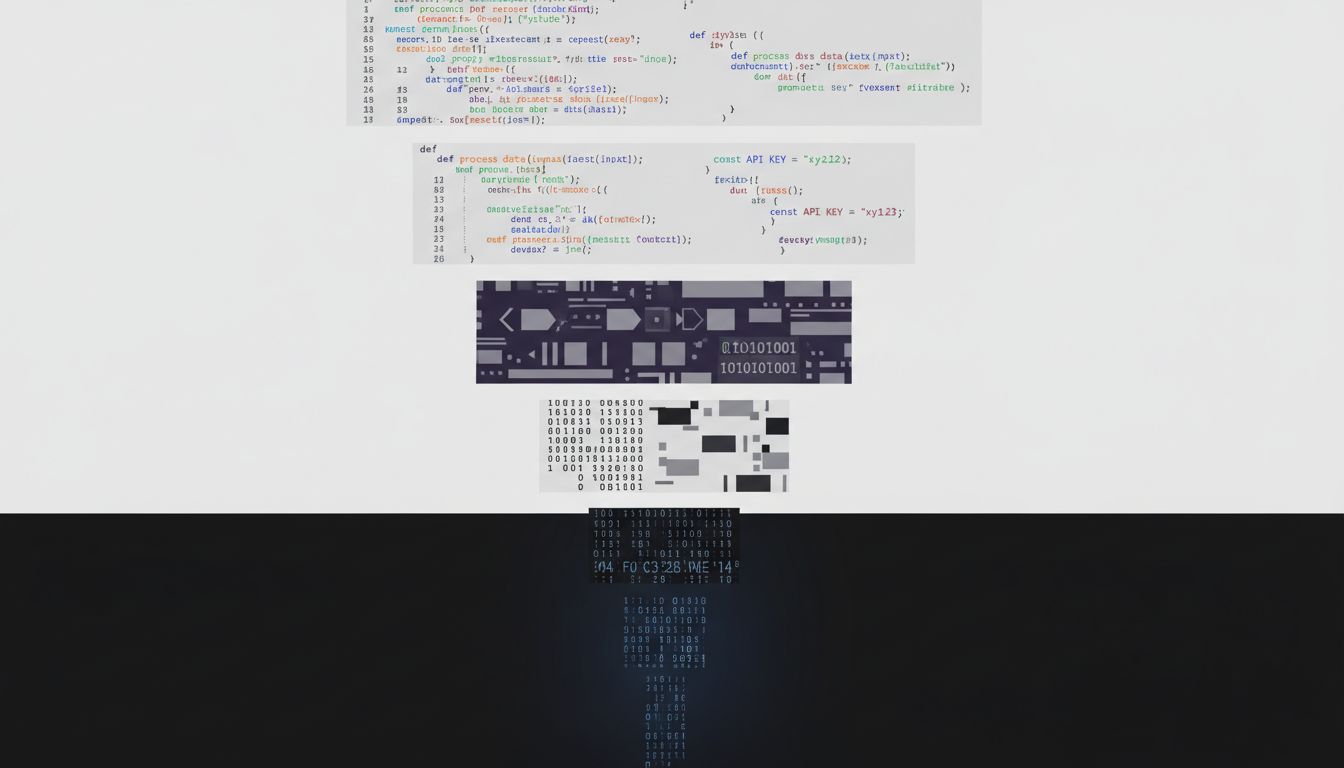
Code generation. Finally, the compiler translates the optimized representation into machine code for a specific processor architecture. This is why you can’t take a program compiled for an Intel chip and run it on an ARM chip without recompiling (or emulating). The instruction sets are different. The registers are different. The calling conventions are different. The compiler has to know exactly what hardware it’s targeting.

What “Interpreted” Languages Actually Do
You might have heard that Python or JavaScript are “interpreted” rather than compiled, implying they skip all this. That’s a simplification that has outlived its usefulness.
Modern JavaScript engines (V8, SpiderMonkey) compile your JavaScript to machine code at runtime, a technique called just-in-time (JIT) compilation. They profile which functions get called frequently, then compile those to optimized native code on the fly. The V8 engine, which powers both Chrome and Node.js, was specifically built around this approach and it’s a large part of why JavaScript became fast enough to run serious applications.
CPython, the standard Python interpreter, compiles your code to bytecode (a compact intermediate representation) before executing it. It’s not machine code, but it’s also not interpreting your raw source line by line. PyPy, an alternative Python runtime, goes further and uses JIT compilation to run many Python programs several times faster than CPython.
The clean distinction between “compiled” and “interpreted” languages was never entirely accurate, and it has gotten blurrier every year.
The Part That Affects You Directly
You don’t need to understand compiler internals to be a good programmer, but a few things follow from knowing they exist.
First, compiler warnings deserve your attention. The semantic analysis phase is doing real work when it flags something. A warning about an uninitialized variable or a suspicious type conversion is the compiler telling you it found something that compiles but looks wrong. Ignoring warnings consistently is how you accumulate the kind of subtle bugs that only appear in production.
Second, debug and release builds are genuinely different programs. When you compile with optimizations disabled (typical in development), the compiler preserves your code’s structure to make debugging easier. When you compile for release, the optimizer may have restructured things significantly. This is one reason why bugs sometimes only reproduce in production and not in your local environment.
Third, if you’re working in a statically-typed language and the compiler is fighting you on types, it usually means the types are telling you something true about your design. The compiler’s type checker is doing a limited form of formal verification on every build. Leaning into it, rather than working around it, tends to produce code that’s easier to reason about later. The engineers who come after you, trying to understand why a piece of code does what it does, will benefit from every place you let the type system document your intent.
The path from what you write to what the machine runs is long, carefully engineered, and mostly invisible. That invisibility is the point. Compilers handle a vast amount of complexity so you can focus on the problem you’re actually trying to solve.