A bug fix feels like unambiguous progress. You found a problem, you addressed it, you shipped. But if you’ve spent time in large codebases, you’ve probably watched a clean bug fix cause more instability than the bug itself. This isn’t bad luck. There are specific, repeatable reasons it happens, and once you see them clearly, you can defend against most of them.
1. Other Code Was Relying on the Broken Behavior
This is the one that surprises people the most the first time they encounter it. A function returns a value it shouldn’t, an API responds a beat too slow, a method silently swallows an exception instead of throwing it. These are bugs. But they’ve been in production long enough that other parts of the system have learned to expect them.
When you fix the bug, you’re not just correcting one behavior. You’re pulling a thread that runs through every piece of code that adapted to the wrong behavior. The downstream consumers that added a compensating delay, the clients that check for that specific incorrect return value, the error handlers that only fire because the exception was never thrown upstream. All of them are now broken in ways that are much harder to diagnose because there’s no error message saying “the thing you depended on was fixed.”
Hyrum’s Law captures this precisely: with enough users of an API, all observable behaviors of your system will be depended on by somebody, regardless of your spec. This isn’t theoretical. It’s why Google’s internal policy for API changes involves exhaustive compatibility testing across their entire codebase before shipping what should be trivial fixes.
2. The Bug Was Masking a Deeper Problem
Some bugs function as accidental load balancers, rate limiters, or circuit breakers. A function that exits early due to a logic error might be preventing a much worse code path from executing at scale. A query that returns incomplete data might be keeping a rendering pipeline from hitting a timeout it would otherwise always hit.
Fix the surface bug without understanding what it was accidentally protecting you from, and you’ve just opened a door into a room you weren’t ready to enter. The deeper problem was always there. You just gave it room to breathe.
This is why good engineers ask not just “what is this bug doing wrong” but “what would have happened if this bug had never existed.” Trace the corrected code path forward before you ship. If the fixed version now executes logic that was previously unreachable, treat that logic as untested code, because it effectively is.
3. Your Fix Introduces New Assumptions
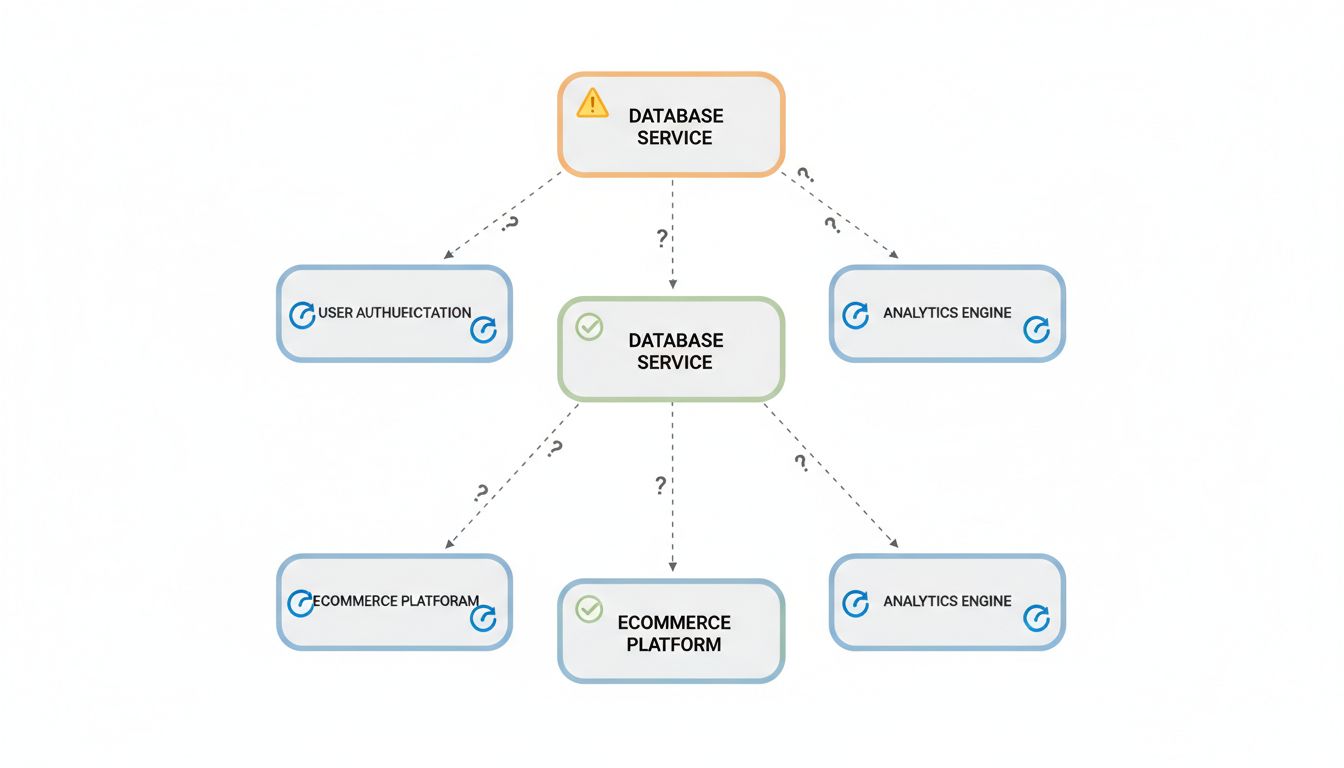
Every fix is also a design decision, and design decisions carry assumptions. You assume the input will always be non-null after your validation change. You assume the lock will be released before the timeout. You assume the cache will be warm when the corrected fetch logic runs.
The original bug, whatever it was, had its own set of assumptions baked in, and some of those assumptions may have been accidentally correct. Your fix replaces them with new assumptions that feel more intentional but haven’t been tested under the full range of production conditions. This is especially common when fixing concurrency bugs, where the corrected logic often relies on ordering guarantees that hold in test environments but get violated under real load.
Write down the assumptions your fix makes. Literally. If you can’t state them clearly, you’re not done understanding the fix yet.
4. Tests Were Written to Match the Bug, Not the Spec
This one is embarrassing but common. You find a bug that’s been in production for eighteen months. You look at the test suite. There are tests. They pass. This is because the tests were written after the bug was introduced, written against the observed behavior, and that behavior happened to be wrong.
When you fix the bug, the tests fail. The instinctive response is to update the tests to match the new behavior, which is correct. But the more dangerous response is to feel like the tests passing again means everything is fine. What you may have missed is that those tests never covered the cases the bug was hiding. You’ve fixed one thing and left the surrounding territory unmapped.
Before shipping a bug fix, check whether your existing tests are actually testing the intended behavior or just the historical behavior. The bug that only appears when nobody is looking is often the one your tests learned to ignore.
5. The Fix Changes Timing, and Timing Is Load-Bearing
Distributed systems are especially vulnerable to this. A bug that added 50 milliseconds of latency to a service call was, in fact, also adding 50 milliseconds of spacing between requests to a downstream dependency. Fix the latency, and you’ve also removed the spacing. Now your downstream dependency is receiving requests faster than it can handle them, and you have a different, worse problem.
Timing bugs are particularly treacherous because the instability they cause after a fix often doesn’t appear immediately. It shows up under load, or at a specific time of day, or when a downstream service is already stressed. You shipped the fix on a Tuesday and the incident happened the following Friday, so nobody connects them.
If your fix changes the timing of any operation that touches external systems, explicitly think through what that timing change means for those systems. A fix that makes something faster is not automatically a fix that makes the system more stable.
6. You’re Fixing the Symptom in a System That Was Designed Around the Disease
Some bugs are load-bearing in the architectural sense. The rest of the system was designed, implicitly or explicitly, with the bug’s behavior as a constraint. The retry logic assumes a certain failure rate. The caching strategy assumes certain data will sometimes be stale. The UI assumes certain operations will occasionally return nothing.
Fix the underlying bug and the architecture is now slightly wrong. Not catastrophically, usually. But wrong enough that edge cases start appearing in places that seemed unrelated. This is the hardest category to catch because it requires you to understand not just the code but the reasoning that produced the code’s structure.
The practical defense here is code archaeology before you ship. Read the git history around the components your fix touches. Look for comments, PR descriptions, or related fixes that explain why things are the way they are. The information you need is usually there. Most teams just don’t look.
Bug fixes are good. Ship them. But treat each one as a small architectural change, not a local edit, and you’ll catch most of the instability before it reaches your users.