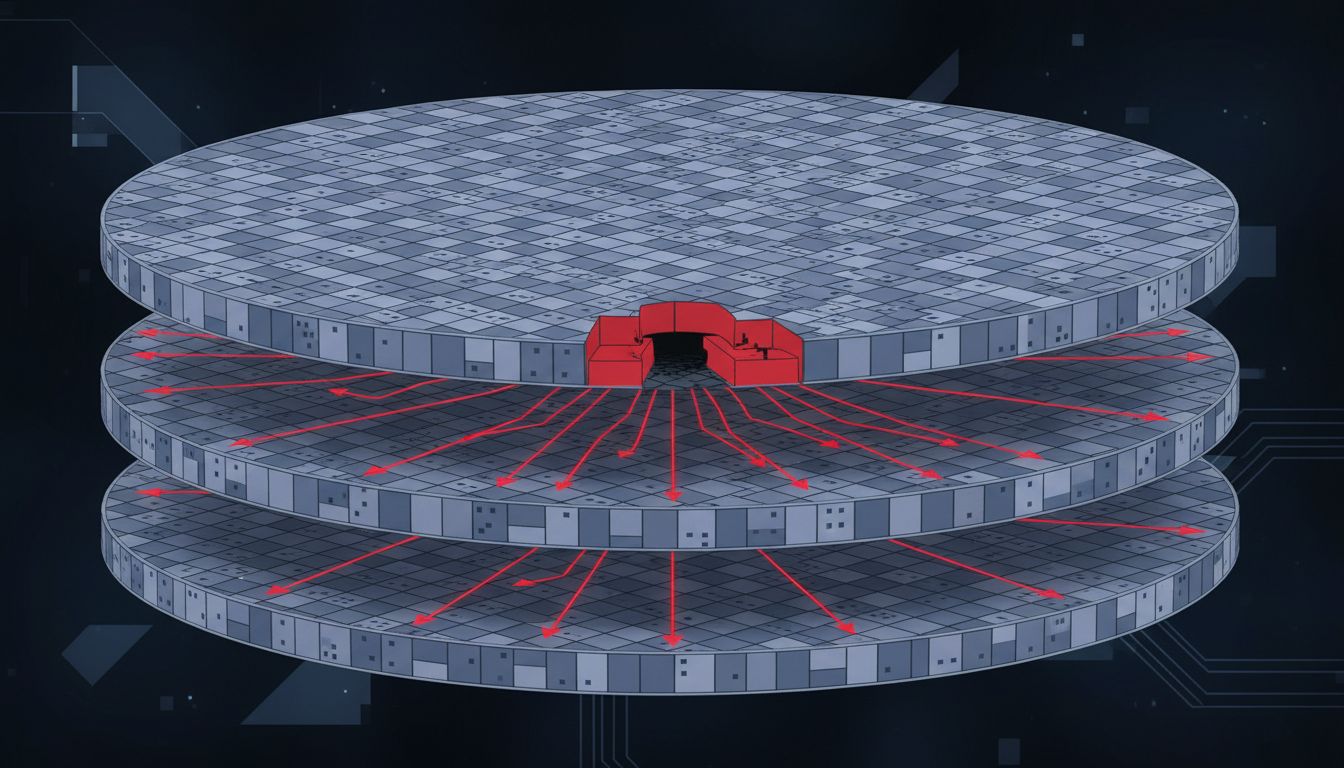
Connection pooling is one of those ideas that sounds obviously correct until you sit down and measure what it actually costs. The conventional wisdom: opening a database connection is expensive, so keep one open and reuse it. That’s true as far as it goes. But the follow-on assumption, that holding connections open is therefore cheap, is where teams quietly accumulate serious resource debt.
1. Every Open Connection Consumes Memory on the Database Server
PostgreSQL allocates roughly 5-10 MB of memory per connection, depending on configuration and query complexity. This isn’t a bug or a quirk. Each connection gets its own process (in Postgres’s process-per-connection model), its own buffer allocations, and its own working memory. If your application holds 200 open connections, that’s up to 2 GB of database memory committed before a single query runs.
MySQL uses a thread-per-connection model and has different numbers, but the principle holds: idle connections are not free. They occupy file descriptors, memory, and internal tracking structures. A database server with 1,000 open connections and 900 of them idle is a server under real load, even when nobody is querying.
2. Connection Limits Are a Hard Ceiling, Not a Soft Suggestion
PostgreSQL’s default max_connections is 100. Many managed database services set it somewhere between 25 and 500 depending on the instance tier. When you hit that ceiling, new connection attempts don’t queue politely. They fail. If your application opens a connection per request and you get a traffic spike, you get errors.
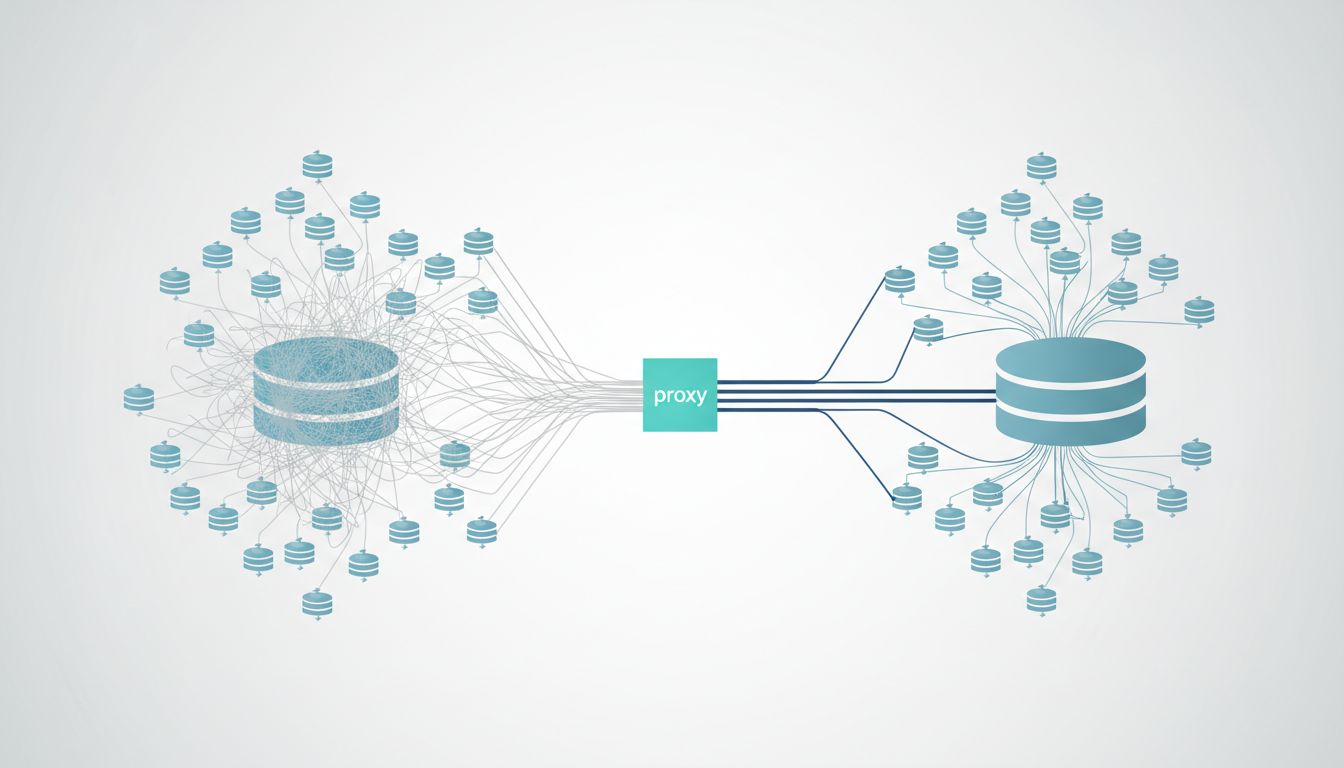
The instinct is to raise max_connections. That helps briefly and then makes the memory problem worse. The real fix is usually a connection pooler like PgBouncer, which multiplies the effective connection count your application sees while keeping the actual connections to the database server small and controlled. PgBouncer in transaction-pooling mode can serve hundreds of application clients through a handful of real database connections. That’s the correct inversion: the application thinks it has many connections; the database actually has few.
3. Long-Lived Connections Accumulate State That Becomes a Liability
A connection that’s been open for hours may be carrying session-level state you forgot was there. Temporary tables. SET parameters. Uncommitted transactions that didn’t get rolled back cleanly. Advisory locks. Some of these survive connection reuse in a pool and produce errors that are nearly impossible to reproduce reliably.
This is a cousin of the bug you can’t reproduce problem. The failure condition depends on which pooled connection your request happened to receive and what the previous request left behind. Short-lived connections eliminate this category of bug entirely. You pay a small overhead on each open, and you get predictable, clean state on every request.
4. The Cost of Opening a Connection Is Often Overstated
Opening a TCP connection involves a three-way handshake, TLS negotiation if the connection is encrypted, and database authentication. On a local network, this is typically a few milliseconds. On a well-tuned application talking to a database in the same availability zone, the overhead is real but rarely the bottleneck people assume it is.
The scenario where connection open cost actually matters is high-frequency, short-duration queries: something like a simple primary-key lookup that takes 0.5 ms to execute. If the connection takes 5 ms to establish, you’ve multiplied your latency tenfold. That case is real and worth optimizing. But it’s specific. Most applications don’t have this problem at scale because most database interactions involve queries that run long enough to amortize the open cost trivially. Profiling your actual queries before committing to an architecture that holds hundreds of connections open indefinitely is worth the hour it takes.
5. Serverless and Short-Lived Compute Changes the Math Entirely
If your application runs on AWS Lambda, Google Cloud Run, or any function-based compute platform, you cannot maintain a long-lived connection pool in the traditional sense. Each invocation is potentially a new process. The standard advice, keep a connection open and reuse it, breaks down when there’s no persistent process to keep it in.
The temptation is to open a connection on each invocation. At low traffic, this works. At scale, you hit the max_connections ceiling fast because hundreds of Lambda instances are each holding one connection, most of them idle between invocations. This is exactly the scenario PgBouncer or Amazon RDS Proxy was built for. RDS Proxy sits in front of your database and maintains a stable pool of real connections while your serverless functions connect and disconnect freely. You pay for the proxy, but the alternative is a database that falls over under load. As with many infrastructure decisions, the cheaper option often costs more.
6. Connection Health Checks Have a Hidden Price
Most connection pools validate connections before handing them to the application. This usually means running a trivial query like SELECT 1. For a pool of 50 connections with health checks running every 30 seconds, that’s 100 queries per minute doing nothing useful. On a busy system, this background noise is invisible. On a database server already under memory pressure, it’s contention you added voluntarily.
More importantly, health checks can mask the actual problem. If a connection is silently broken at the network level, a health check query may succeed because it hits a cached response or completes before the broken state is apparent. You get a connection that looks healthy and fails on real queries. The fix isn’t more aggressive health checks. It’s shorter connection lifetimes and proper error handling that knows how to retry on a fresh connection.
7. The Right Model Depends on Your Query Profile, Not on Defaults
There’s no single correct answer here. A long-running analytics workload with a handful of concurrent queries benefits from stable, persistent connections. A high-concurrency web API with many short transactions benefits from a connection pool with aggressive recycling and a low maximum lifetime. A serverless application needs a proxy layer between the compute and the database.
The mistake is accepting a default pool size (often 10 or 20 in popular ORMs) without understanding whether it fits your actual load pattern. Django’s default database connection handling keeps one persistent connection per thread. That’s fine for a small deployment and quietly catastrophic at scale if you’re running many threads or workers. SQLAlchemy’s pool defaults are more configurable but also more dangerous to misconfigure. Both tools surface the right knobs. Most teams never touch them until something breaks.
The throughput and latency tradeoffs here are worth understanding precisely before you tune anything. The connection count is really a resource allocation problem dressed up as a configuration problem, and treating it that way produces much better outcomes than guessing at pool sizes.