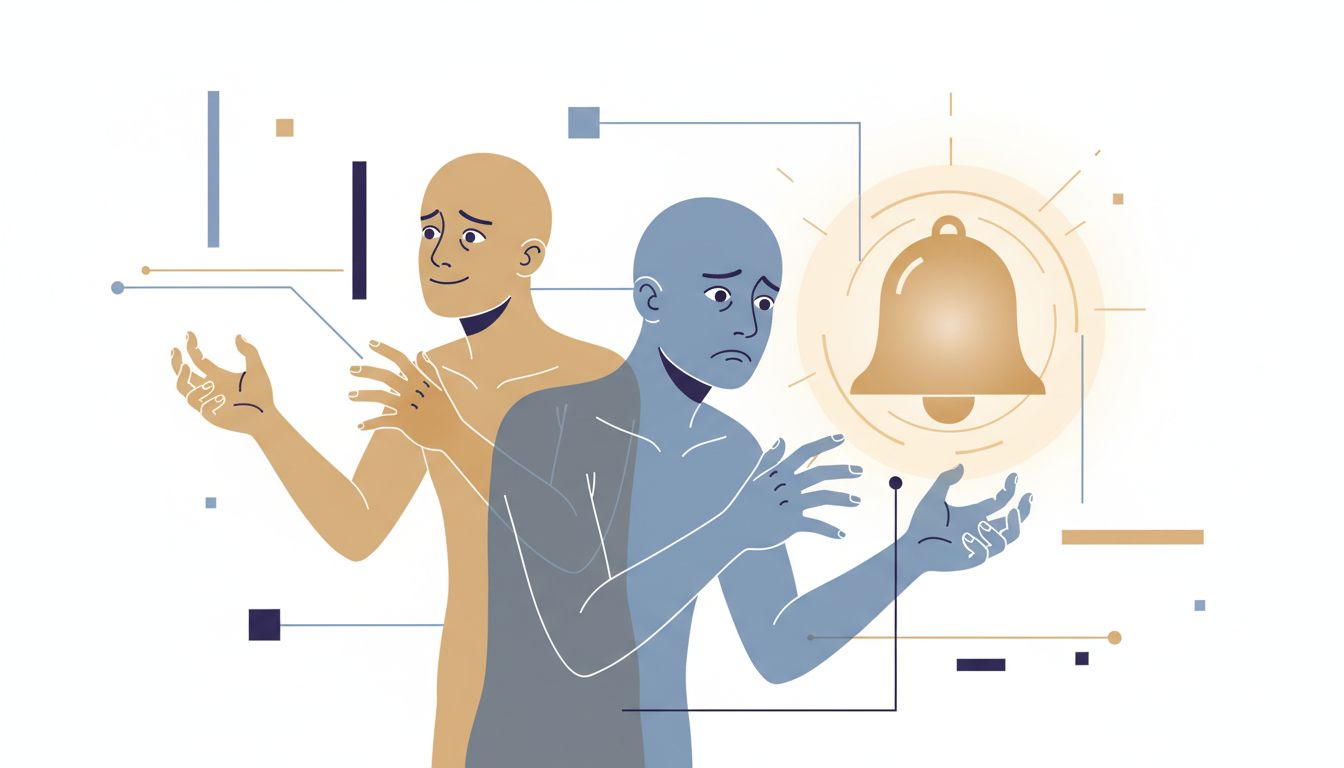
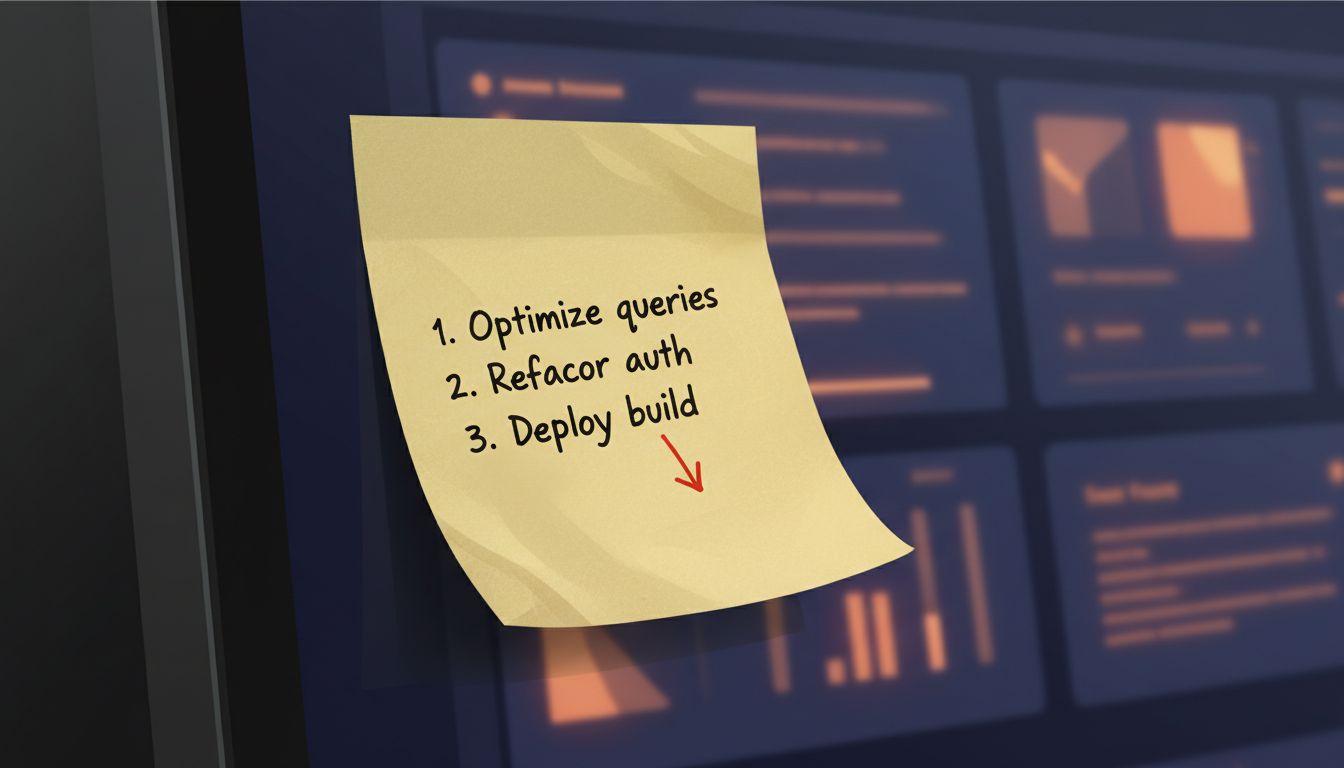
Every developer I know has, at some point, spent a Saturday afternoon building the perfect task management setup. Color-coded tags, custom views, automation rules, a README explaining the whole architecture. Then by Thursday, they’re back to a sticky note on the monitor.
The system that looked great in design didn’t survive contact with an actual week. The ugly one survived because it asked almost nothing of you.
1. Friction Is a Tax That Compounds Daily
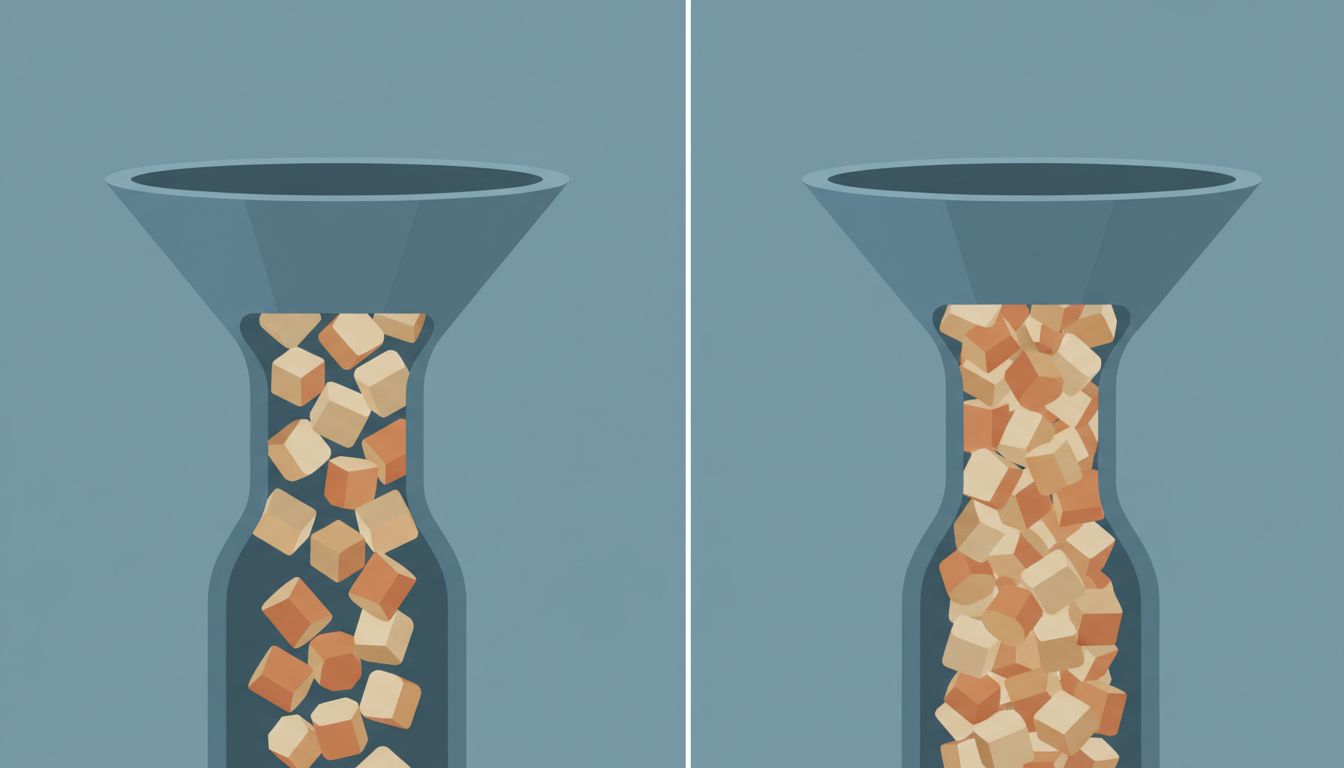
Every extra step your productivity system requires is a small withdrawal from your willpower budget. Log into the app, find the right project, select the correct tag, choose a due date, write a good task description. That might take 45 seconds. It sounds trivial until you’re doing it at 4pm on a Tuesday when you’re already cognitively depleted and you just want to capture a thing before it disappears.
The systems that survive are the ones with near-zero capture friction. A single inbox. A plain text file. A physical notepad next to the keyboard. These aren’t failures of ambition, they’re correct engineering decisions. If your system’s input layer costs more than the value of what’s going in, it will quietly be abandoned, and you’ll rationalize it later.
Think of it like a database write path. If every insert requires a schema check, a validation step, foreign key lookups, and an audit log entry, your throughput tanks. Sometimes a simpler write-first model with cleanup on the read side is genuinely the right call.
2. Aesthetics and Usability Are Different Axes
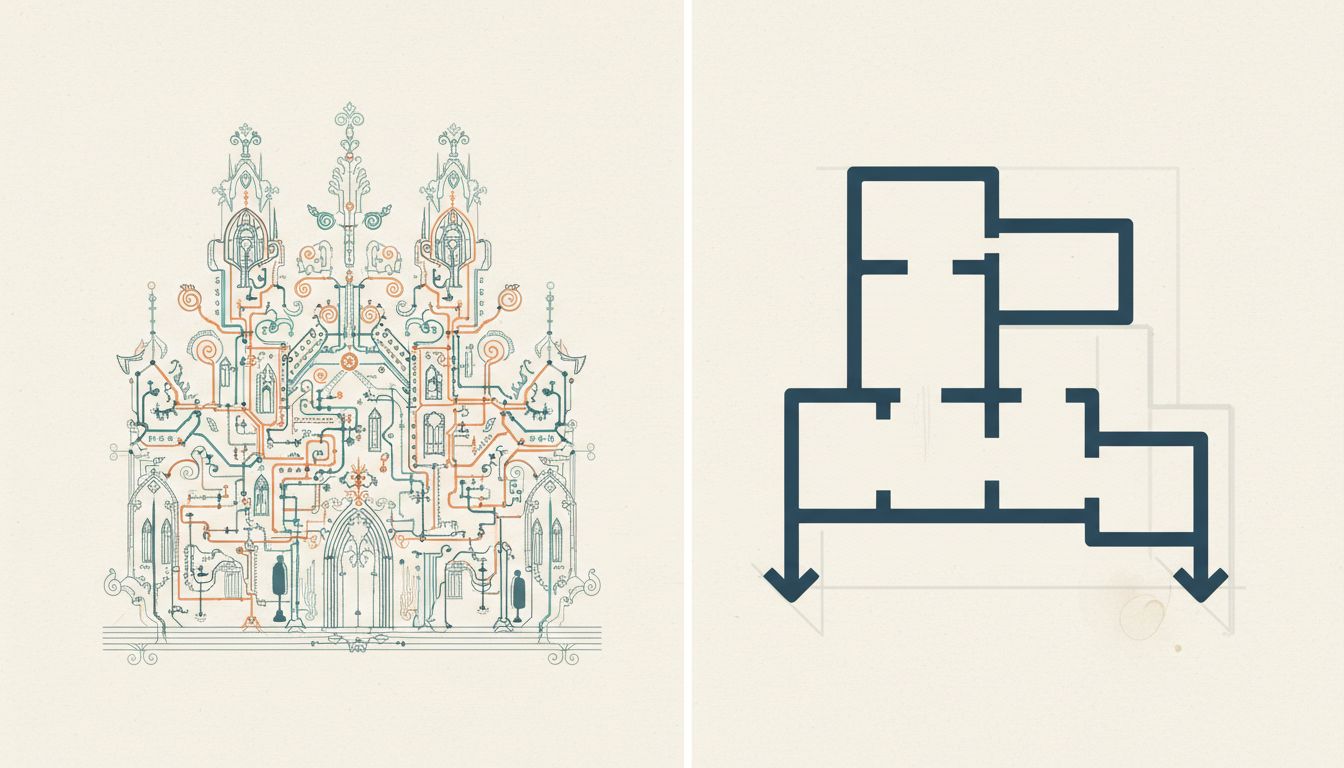
Notion dashboards that look like magazine spreads are genuinely impressive. They also tend to have an owner who spends more time maintaining the dashboard than doing the work the dashboard is supposed to track.
There’s a real distinction between something that’s pleasant to look at and something that reduces the cost of doing your actual job. The second one is what you need. A good productivity system should be almost boring to interact with. You open it, you see what you need, you close it. If using the system is itself a rewarding experience, you’ve built a hobby, not a tool.
This is true of software interfaces generally. The UI that delights users in a demo often frustrates them six months into daily use. Depth of customization and ease of habitual use are frequently at odds. The best tools for recurring workflows are usually the ones that fade into the background.
3. You Will Not Process Your Inbox Every Day, So Design for That
GTD (Getting Things Done, David Allen’s methodology) is a coherent system with real ideas behind it. The weekly review is one of the better ones. But the version most people implement requires daily processing, regular reorganization, and consistent context tagging. That’s fine during a calm week. During crunch, during travel, during any kind of personal chaos, it falls apart.
A system that requires perfect conditions to function isn’t robust, it’s brittle. The question to ask about any productivity setup isn’t “does this work when I’m disciplined?” It’s “does this degrade gracefully when I’m not?”
A flat list in a text file degrades gracefully. You stop maintaining it for two weeks, you come back, you still understand it. A deeply nested Notion setup with cross-linked databases and formulas that break when you forget to update a status field does not degrade gracefully. The debt from not maintaining it compounds.
4. Your System Should Match Your Brain, Not Somebody Else’s Blog Post
Productivity content has a survivorship problem. The systems people write about are the ones that worked for them, often during a specific period of their life, in a specific job, with a specific kind of work. That context almost never transfers cleanly.
A researcher doing deep, solo, long-horizon work needs a completely different setup than an engineering manager doing reactive, interrupt-heavy work across a dozen ongoing threads. The researcher benefits from extended focus blocks and slow-burn project tracking. The manager needs fast capture and a system that can be picked up and put down every 15 minutes without losing context.
The failure mode is adopting someone’s full system because one piece of it sounded right. Take the piece. Test it. See if it holds under your actual conditions. Finishing your to-do list means you aimed too low is a related issue: the shape of your list tells you something about whether the system matches the work.
5. The Best Signal Is What You Do Under Pressure
If you want to know your actual productivity system, don’t look at what you’ve set up. Look at what you do during your most intense or chaotic week of the year. Whatever you naturally reach for when there’s no time to be precious about it, that’s your real system. Everything else is aspirational infrastructure.
Some people naturally batch similar tasks. Some work in long unbroken sessions. Some need to externalize everything onto physical paper. Some work best from a single prioritized item with everything else out of sight. None of these are wrong. They’re just different load-bearing structures. The goal is to formalize the thing that already works, not replace it with a more prestigious-looking alternative.
The ugly, minimalist, slightly embarrassing system you actually use every day is doing more work than the beautiful one you built but abandoned. Give it the respect it deserves, refine it rather than replace it, and stop redesigning it every time a new app launches.
Productivity tools are infrastructure. Good infrastructure is invisible, boring, and reliable. It is not a portfolio piece.