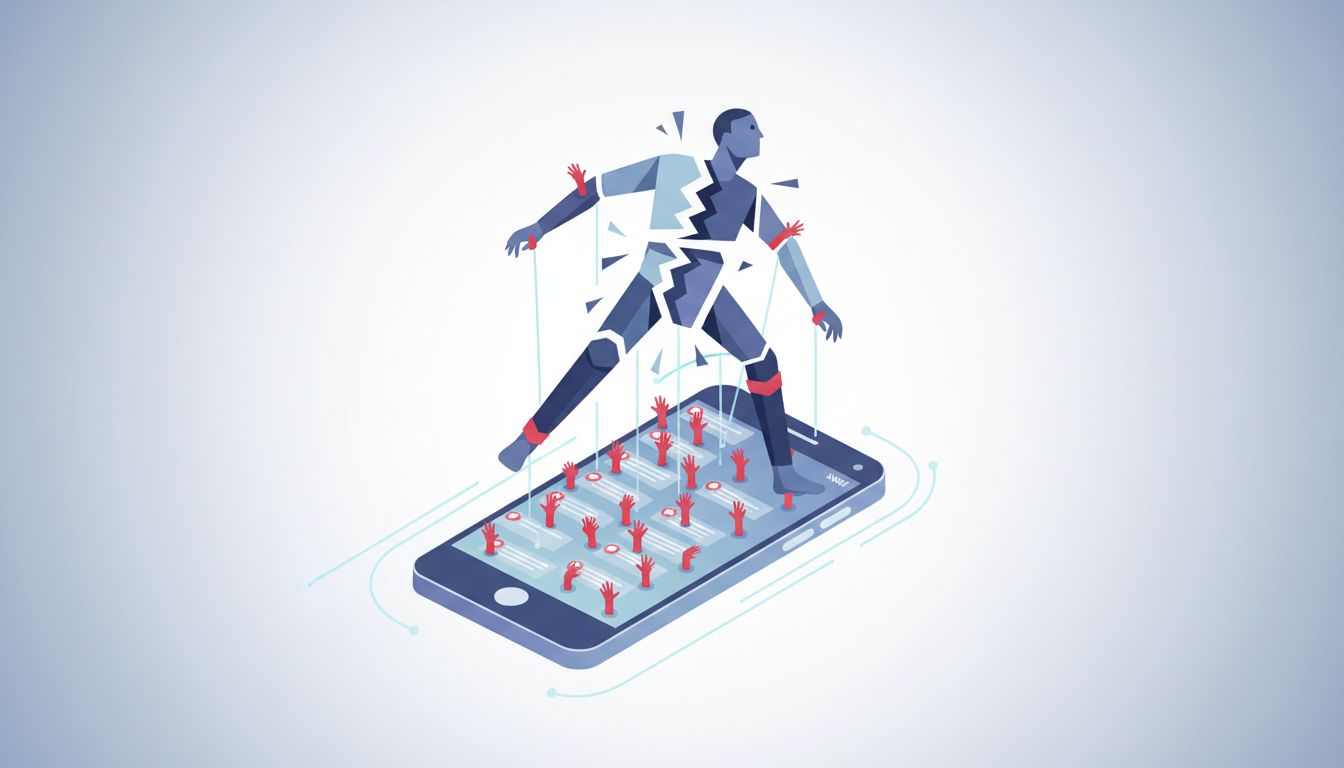
Every app you install ships with notifications enabled by default. That’s not an oversight. It’s a deliberate choice made by product teams whose success metrics are built around engagement, not around your ability to finish a thought.
The average smartphone user receives somewhere north of 80 notifications per day. That number comes from studies on phone usage behavior, and while the exact figure varies by person, the shape of the problem is consistent: most of those alerts are things you didn’t ask for, don’t need in the moment, and wouldn’t miss if they never arrived. Yet here you are, responding to them anyway.
Understanding why this happens — and what you can actually do about it — requires looking at the machinery behind how apps think about your attention.
Why Apps Default to Everything On
App stores and platform analytics reward daily active users. Push notifications are one of the most effective tools for driving re-engagement. A user who opens an app three times a week because of notifications counts as more valuable to a product team than a user who opens it once a week on their own terms, even if the second user gets more done in that single session.
This creates a structural conflict of interest. When a product manager at a social app decides the default notification settings, they are not asking “what would be least disruptive to this person’s day?” They’re asking “what configuration will maximize the number of times this person touches our app?” Those are genuinely different questions with genuinely different answers.
The result is that every app you install is configured to compete aggressively for your attention from the moment you open it for the first time. You have to actively opt out of this competition. Most people never do, because the moment you install a new app, you’re excited about it and not thinking carefully about the cost of saying yes to its notification prompt.
The Default Is the Policy
Here’s the thing about defaults: they function as policy for the vast majority of users. Research on default effects in behavioral economics consistently shows that most people accept defaults rather than change them, regardless of whether the default serves their interests. This is true for retirement savings contribution rates, organ donation, and yes, app notification settings.
Product teams know this. It’s not cynical to say so — it’s just accurate. When a company sets aggressive notification defaults, they are knowingly capturing the inertia of users who won’t bother to change them. You are, most likely, one of those users on at least a few apps.
The practical implication is that your current notification setup almost certainly reflects the aggregated interests of the product teams whose apps you use, not a deliberate choice you made about how you want your attention allocated. That’s worth sitting with for a moment before we talk about fixing it.
What Notifications Actually Cost
The common framing around notifications focuses on the time spent reading them. That framing dramatically understates the real cost.
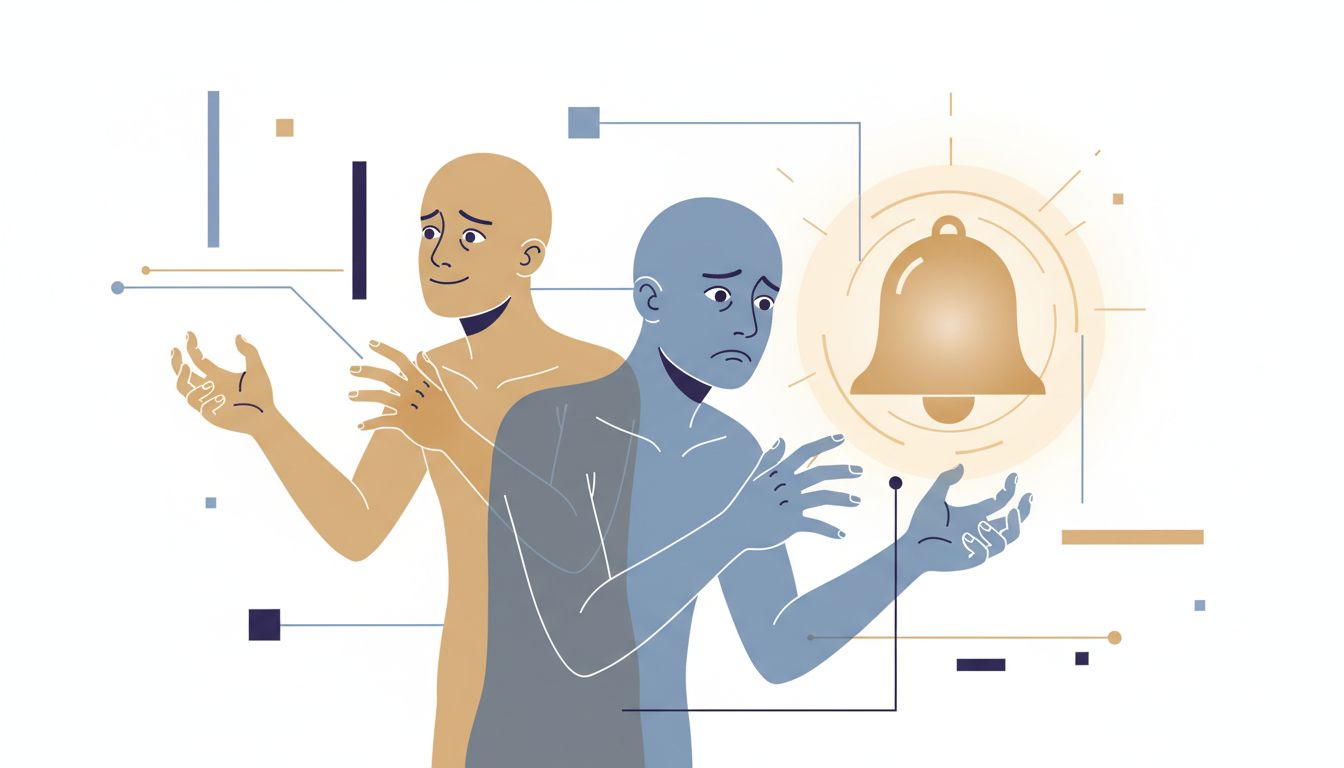
The disruption isn’t the ten seconds you spend glancing at a notification. It’s the recovery time afterward. Gloria Mark’s research at UC Irvine found that it takes an average of around 23 minutes to fully return to a task after an interruption. Even if you don’t act on a notification, the fact that your brain registered it has already pulled you slightly away from whatever you were doing. That dismissed notification is still costing you focus in ways you don’t see in the moment.
Multiply that by dozens of interruptions per day and you start to see why so many people feel chronically unable to do deep work even when they technically have time for it. The time is there. The unbroken attention isn’t.
There’s also a subtler cost: notifications train you to operate in a reactive mode. When your phone buzzes every few minutes, your nervous system learns to anticipate the next buzz. You start checking your phone even when it hasn’t notified you, just to get ahead of the stimulation. This is not a personality flaw or a lack of discipline. It’s a conditioned response to an environment that was designed to produce it.
The Audit You Actually Need to Do
The fix here isn’t complicated, but it does require about 30 minutes of focused attention that most people never set aside. Here’s how to approach it.
Start by going into your phone’s system-level notification settings, not the settings inside individual apps. Both iOS and Android let you see a list of every app that has notification permissions and what kind of access each app has. Scroll through that list with one question in mind: if this app never sent me another notification, would my life get worse? For most apps, the honest answer is no.
For the apps where the answer is yes, get more specific. What kind of notifications from this app actually matter? Slack messages from your team? Probably yes. Slack notifications about emoji reactions to your messages? Almost certainly no. Most apps let you control notification categories individually, and using that granularity is where the real leverage is.
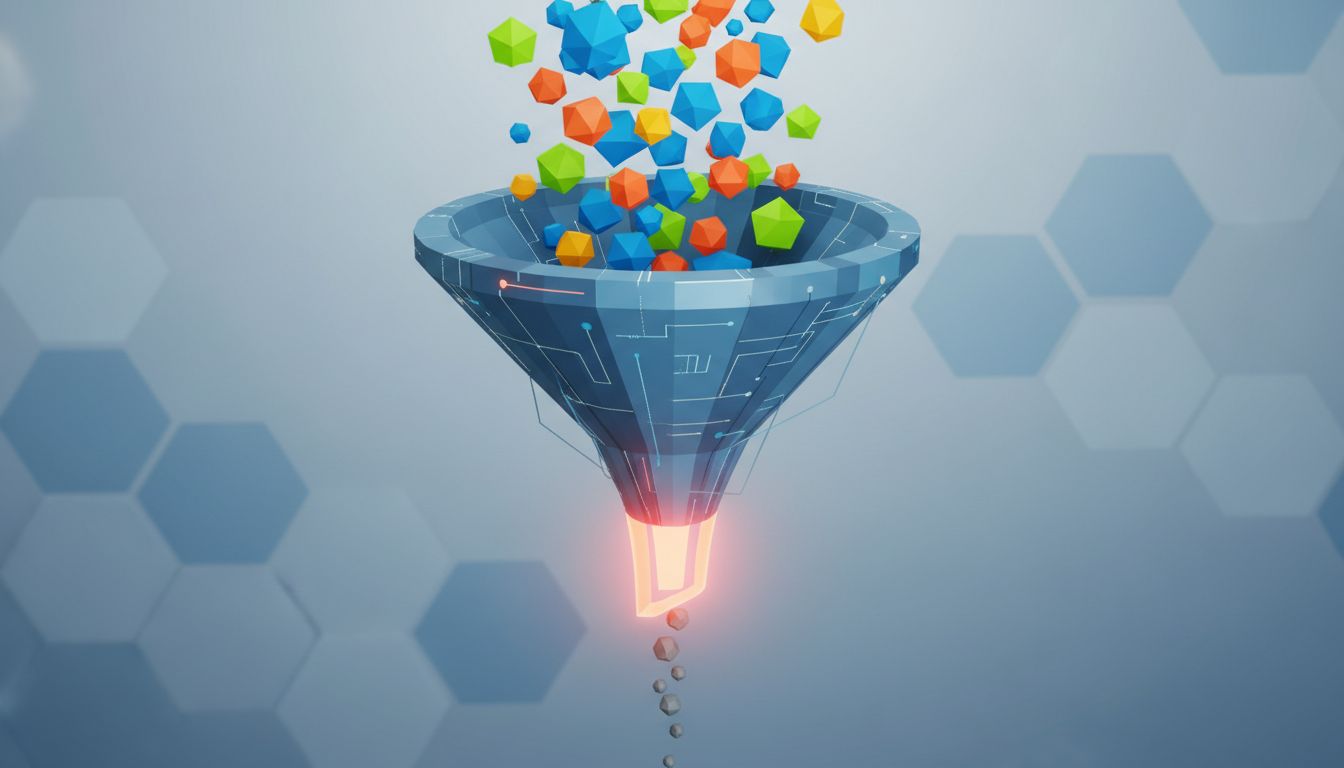
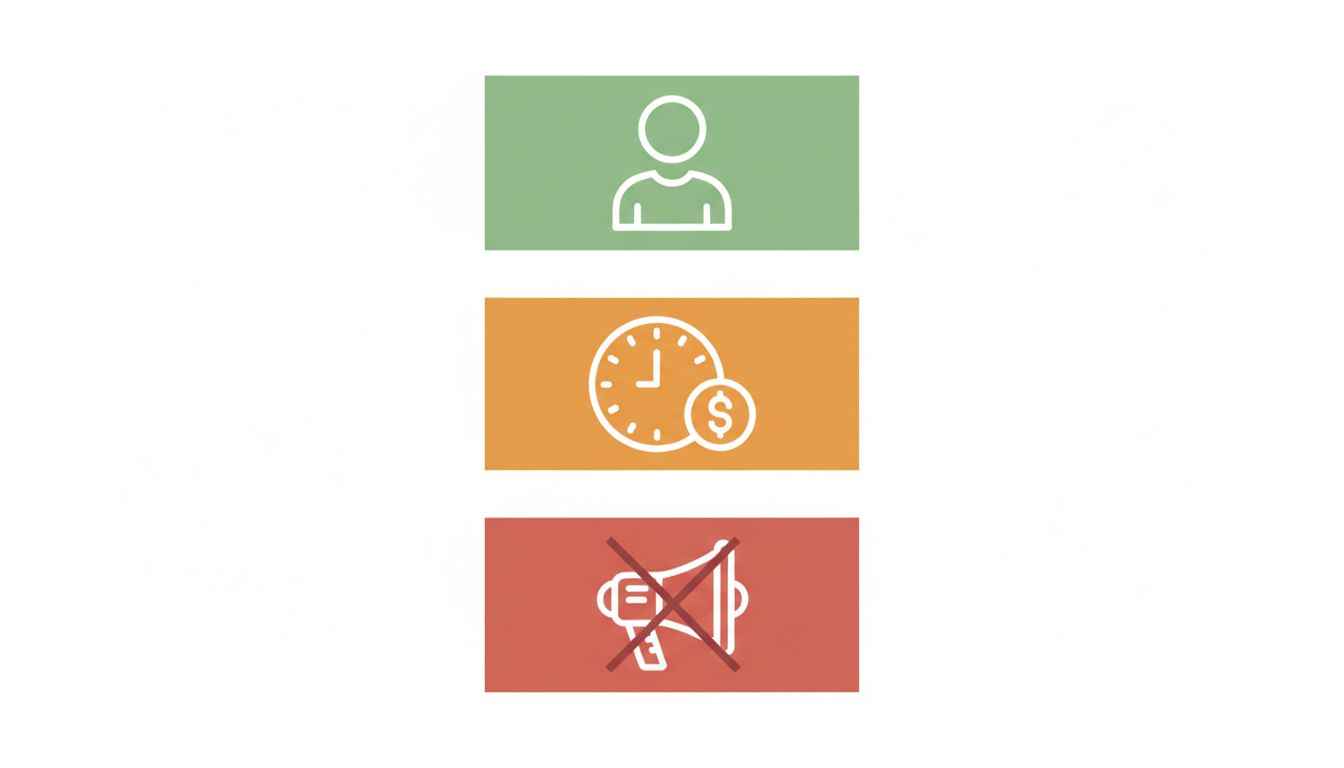
A useful framework: sort every notification permission into one of three buckets.
Time-sensitive and person-specific. These are notifications from real humans who need a response, or alerts that change what you’ll do in the next hour. Phone calls, direct messages from people you actually work with, calendar reminders for things happening today. These can stay on.
Time-sensitive but not person-specific. These are algorithmic alerts dressed up as urgency. “Your package shipped.” “Your post is getting engagement.” “There’s a sale ending in 3 hours.” These feel important but almost never are. Turn them off or batch them into a daily digest where the app supports it.
Neither time-sensitive nor person-specific. Marketing, re-engagement prompts, feature announcements, weekly summaries. These should be off. Every single one of them. You can check these things when you choose to open the app.
Notification Scheduling Is Underused
Both iOS (Focus modes) and Android (notification scheduling) let you create time windows when notifications from specific apps can reach you. This is genuinely useful and most people don’t use it.
The practical approach is to decide when you want to be interruptible and protect everything else. If you want to be reachable by colleagues from 9am to 6pm, fine. But “reachable by colleagues” doesn’t mean “reachable by every app on your phone.” You can set Slack or Teams to deliver notifications during work hours while keeping social apps and news apps silenced until you actively open them.
The goal isn’t to be unreachable. It’s to make the decision yourself about when you’re available for what kind of interruption, rather than letting each app’s product team make that decision for you by default.
What To Do With Persistent Apps
Some apps will fight back. They’ll send you a notification asking why you turned off notifications. They’ll surface in-app banners every time you open them suggesting you re-enable alerts. They’ll reframe notification access as a feature rather than a permission.
Treat this as useful signal. An app that pesters you to turn its notifications back on is an app that needs your compulsive attention to survive. That’s information about the product’s relationship to you, and it should make you more skeptical about whether the app is serving your interests or its own.
For productivity tools specifically (task managers, calendars, focus apps), notifications often do matter. But even here, the defaults are usually wrong. Most task apps default to notifying you about every due date, every completed task, every collaborator update. The right setting for most people is notifications only for tasks that are due today and nothing else.
What This Means
Your notification settings, as they shipped, represent the product team’s best guess about what configuration will maximize your engagement with their app. That’s not the same as what will maximize your ability to think clearly, do good work, or feel in control of your time.
The fix is a one-time audit, maybe 30 minutes, followed by a simple framework: time-sensitive and person-specific notifications stay, everything else gets turned off or batched. Use your operating system’s scheduling tools to set time windows where you’re interruptible, and treat any app that nags you to turn notifications back on as an app that’s told you something honest about its relationship with your attention.
You built your current setup by saying yes to prompts without thinking carefully about each one. The good news is that changing it is mostly just a matter of going back through those decisions with different criteria. The apps will be fine. You will be less interrupted. That’s a good trade.