The Inbox That Never Empties
There is a specific kind of productivity theater that most of us perform daily. We open our task manager, add three things we just thought of, maybe check off something small, and close the app feeling like we accomplished something. We did not. We fed the system.
To-do applications are, at their core, append-optimized data structures. Adding a task is frictionless by design. Every major player in the space, Todoist, Things, TickTick, Notion task views, has refined the capture experience to near-zero resistance. Quick add shortcuts, email forwarding, browser extensions, Siri integrations. The message is consistent: never let a thought escape. Get it into the system.
This is not a flaw. Capture is genuinely valuable. The problem is that the tools stop there and pretend they haven’t.
What Append-Optimized Actually Means
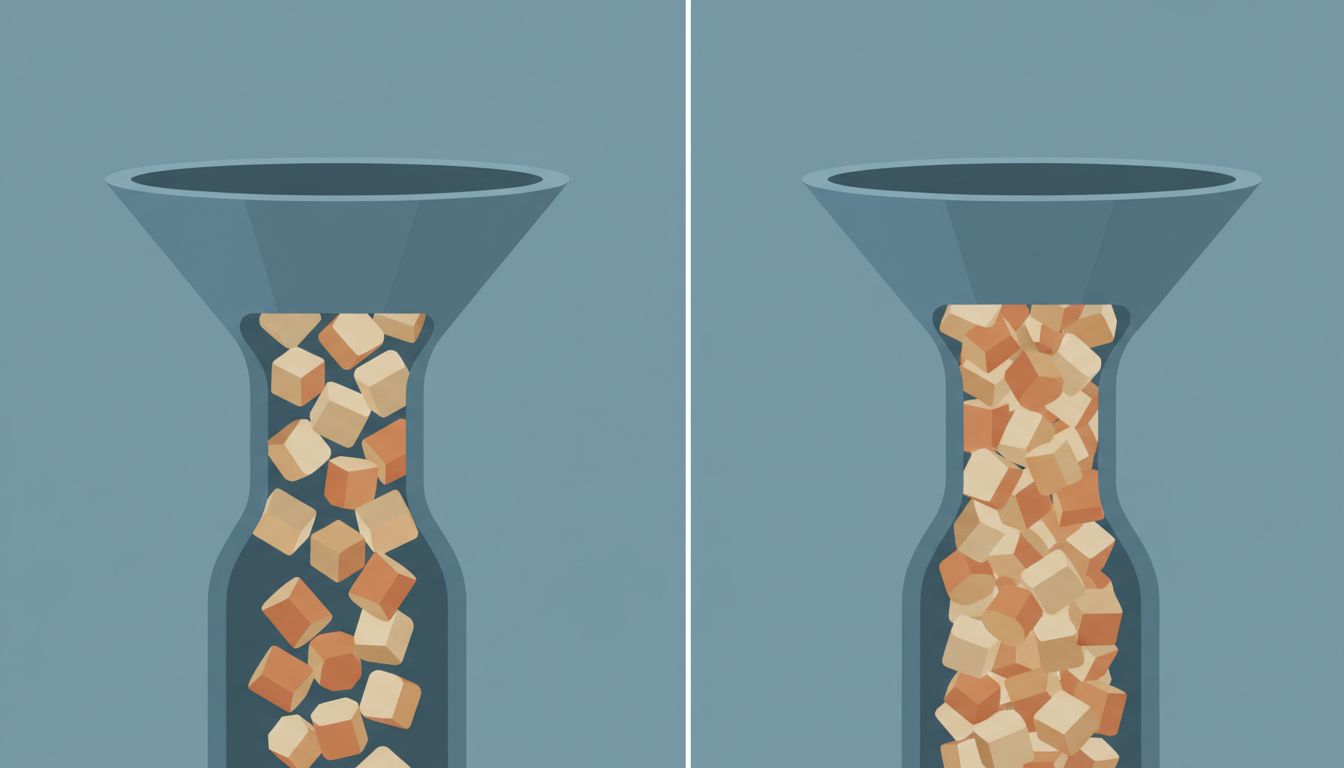
In database terms, an append-optimized table is one where writes are cheap and reads are expensive. You can insert rows all day without much overhead, but querying that table, especially sorting and filtering it, costs more the larger it grows.
Your to-do list works the same way. Adding “follow up with legal about contract” takes two seconds. Deciding tomorrow morning whether that task or the product spec or the performance review is the most important use of your next three hours is cognitively expensive. And the list itself offers you almost no help making that decision. It just shows you everything, usually in the order you thought of it, maybe sorted by due date if you remembered to set one.
The tools are optimized for the cheap operation. They let you defer the expensive one indefinitely.
Due Dates Are a Fiction You Tell Yourself
Due dates deserve their own examination because they feel like prioritization but are not. A due date answers the question “by when?” It says nothing about “compared to what?” or “is this actually important?” or “what happens if this slips?”
In practice, most tasks on most people’s lists have either no due date or an aspirational one. “Review vendor proposal” gets a due date of Friday because Friday feels responsible, not because anything actually breaks on Saturday. When Friday arrives with fifteen other tasks also due Friday, the due date system collapses into the same chaotic pile you started with, just with red badges on it.
Software teams learned this the hard way with ticketing systems. Jira backlogs famously become archaeological sites where tickets from three years ago have due dates that have long passed and no one has touched them. The due date field exists. Nobody trusts it.
The Prioritization Problem Is Deliberately Avoided
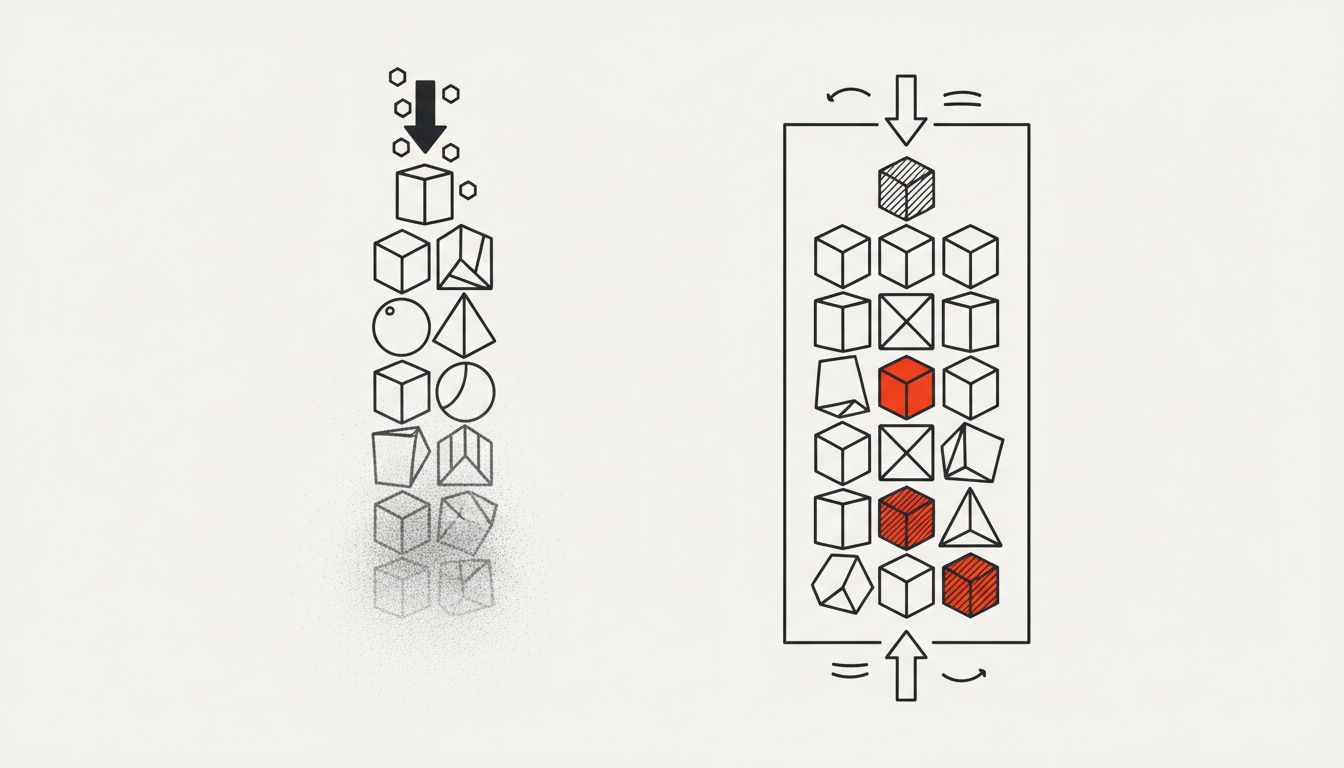
True prioritization requires you to say no to things, or at least “not now.” That is uncomfortable. Task management apps, almost universally, avoid building any strong opinions about what you should cut or defer. They are happy to let your list grow to four hundred items if that’s what you want.
This is partly a product decision and partly a business one. An app that aggressively helped you prune your list would feel harsh. Users might blame the app for the things they’re not doing. Better to be the neutral container. Better to let the user feel like the system is working as long as capture is smooth.
The few tools that have tried to enforce some prioritization discipline have mostly been niche products. Warren Buffett’s famous “two list” strategy (write down your top 25 goals, circle your top 5, actively avoid everything else) is simple enough to do on paper and almost no app implements anything like it. Ivy Lee’s method from 1918, write six tasks the night before and work through them in strict priority order, is over a century old and still discussed because it actually forces the hard decision. Neither of these is complicated to build. They’re just unpleasant to experience, so they don’t ship.
What a Better System Would Actually Do
If you were designing a task system that optimized for completion rather than capture, what would it look like?
First, it would make the list feel expensive to add to, not free. Not in a punishing way, but in a “forcing function” way. Before adding a task, you’d answer one question: what existing task does this replace, or is it genuinely in addition to everything else? That friction is small but meaningful. It mirrors what good engineering teams do with feature requests: every addition has a cost that has to be acknowledged.
Second, it would surface what you last worked on. Most apps have no memory of your behavior. A system that noticed “you added this three weeks ago, opened it twice, and never started it” is giving you useful signal. Either the task matters and you keep avoiding it for a reason worth examining, or it doesn’t matter and should be deleted. Either way, you need to know.
Third, it would separate capture from planning. Inbox-style task managers like OmniFocus have always understood this: raw capture goes into an inbox, and a separate planning gesture moves things onto your actual list. Most people skip the planning gesture because it’s optional. A well-designed system would make it mandatory, the same way a good deployment pipeline doesn’t let code go straight from a developer’s machine to production without a review step.
Fourth, it would have a maximum list length. Not a recommendation, an actual constraint. If your “today” list has more than five things, you cannot add a sixth until you complete or defer something. This sounds annoying. It is annoying. It is also the only way to make “today” mean anything.
Why We Choose Capture Over Completion
There’s a psychological mechanic underneath all of this that the apps are, consciously or not, exploiting. Writing a task down produces a small feeling of relief. The thing is “handled” in the sense that you no longer need to hold it in working memory. Completing a task produces a larger feeling of satisfaction but requires actual effort to get there. The ratio of effort to relief is much better for capture than for completion.
Behavioral economists would recognize this as a form of present bias, the tendency to overweight immediate small rewards against larger future ones. The to-do app becomes a machine for generating low-cost relief, over and over, while the actual work accumulates.
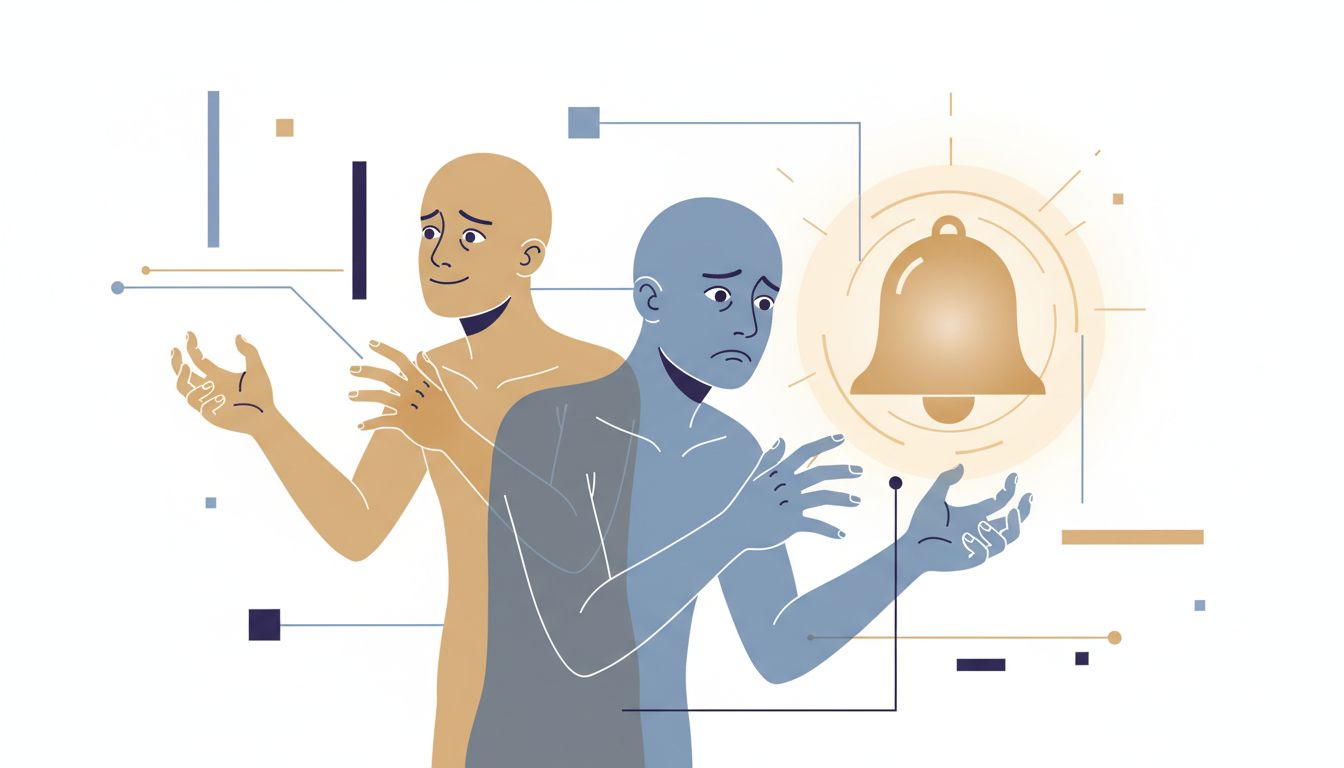
This is adjacent to what happens with notifications, where the system is built to serve someone else’s interests rather than yours. The notification dismissal still costs you focus argument applies here too: the act of adding a task feels productive enough that it consumes some of the cognitive budget you might have spent actually working.
What This Means
The tool is not your productivity problem, but it’s not neutral either. The interface shapes behavior. An app that makes capture frictionless and planning optional is teaching you to capture and defer planning. Over time, that becomes your actual workflow.
The fix is not a new app. It’s recognizing what the app does well (capture, retrieval, reminders) and what it actively avoids (telling you what matters most and forcing you to cut what doesn’t). The planning work that the app skips has to happen somewhere, and if you don’t schedule it explicitly, it won’t happen.
A practical starting point: once a week, open your list with the goal of deleting or archiving, not adding. Anything you haven’t touched in three weeks and can’t articulate a specific reason for keeping is probably not a task. It’s a wish. Those don’t belong in the same system as work that actually needs to happen.
The list should feel like a commitment, not a collection.