The Inbox That Never Empties
You probably added something to your to-do list today before you finished anything on it. Maybe you added three things. The list grew before it shrank, and by the end of the day it was longer than when you started. This is not a discipline failure. It is a design flaw.
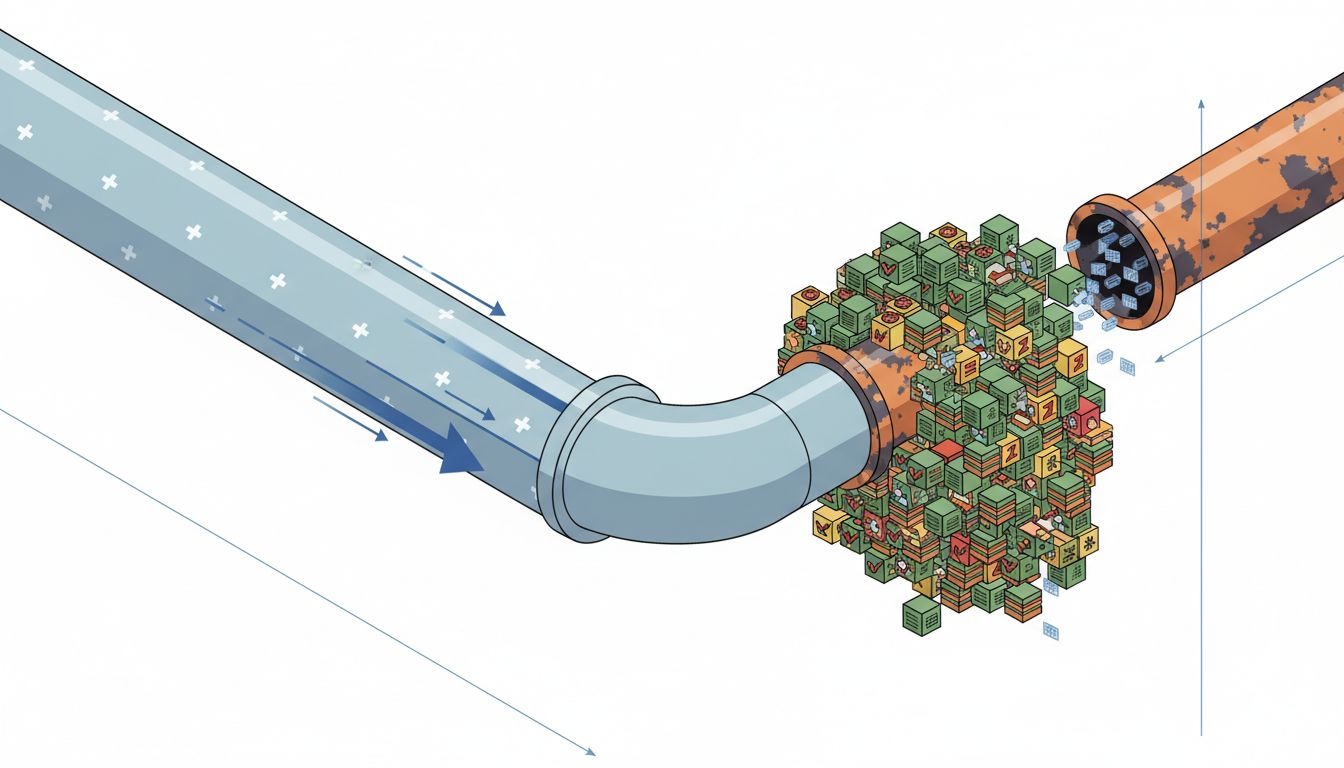
Most task management systems, from paper notebooks to Notion databases to Todoist, are optimized for capture. They make it frictionless to add a task. They give you satisfying UI for organizing tasks. They offer tags, priorities, due dates, projects, subtasks, and filters. What they do not do is make it meaningfully harder to add a task than to finish one. The asymmetry is baked in, and it quietly wrecks your output.
Understanding why this happens, at the level of both software design and human psychology, is the first step toward building a system that actually closes the loop.
Why Capture Feels Like Progress
There is a well-documented psychological effect at work here. When you write a task down, your brain registers a small sense of completion. The item is handled, at least symbolically. Researchers call this the Zeigarnik effect in reverse: normally, unfinished tasks nag at us, but offloading them to an external system quiets that nagging whether or not the work actually gets done.
Task apps exploit this accidentally. Adding a task is fast, rewarding, and low-stakes. Finishing a task is slow, uncertain, and often uncomfortable. The system does not distinguish between these two activities in terms of the friction it applies. If anything, most apps make capture even easier over time by adding quick-add shortcuts, email forwarding integrations, and mobile widgets. The bottleneck is never adding. It is always finishing.
The result is what productivity researchers sometimes call “list inflation”: your task list becomes a historical record of your intentions rather than a live map of your commitments. And a list that is long enough becomes psychologically paralyzing, which makes you less likely to work from it at all.
The Software Design Choices That Made This Worse
Task apps are not designed by people who want you to fail. They are designed by people whose incentive is retention, which means making the app feel useful every day. Adding a task makes the app feel useful. Deleting tasks because you finished them is a one-time event. So the design energy goes into making capture delightful.
Consider the standard “inbox zero” model borrowed from email. GTD (Getting Things Done), David Allen’s influential methodology, introduced the idea of a universal inbox where everything gets captured first. This was a genuine insight for its time: stop trying to decide where something goes the moment it arrives. But what happened in practice is that the inbox became a graveyard. People mastered capture and never built the muscle for the weekly review that Allen explicitly said was non-negotiable.
The apps that implement GTD give you the inbox. Many of them make the review process awkward or buried in settings. The sexy part of the feature set is the capture. The boring, essential part is figuring out what to kill.
As your most important work probably isn’t on your task list, the things that actually move your life forward often live outside the system entirely, which means a bloated list is hiding signal under noise.
The Completion Rate Metric Nobody Tracks
Here is a useful diagnostic. At the end of this week, look at every task you added on Monday. How many are finished? If you are using a typical productivity setup, the answer is probably less than half, and that is being generous.
Most people never measure this because the apps do not surface it prominently. Some tools show you a “completed tasks” count as a motivational feature, but very few show you the ratio of tasks added to tasks completed over time. That ratio is the only number that actually tells you whether your system is working.
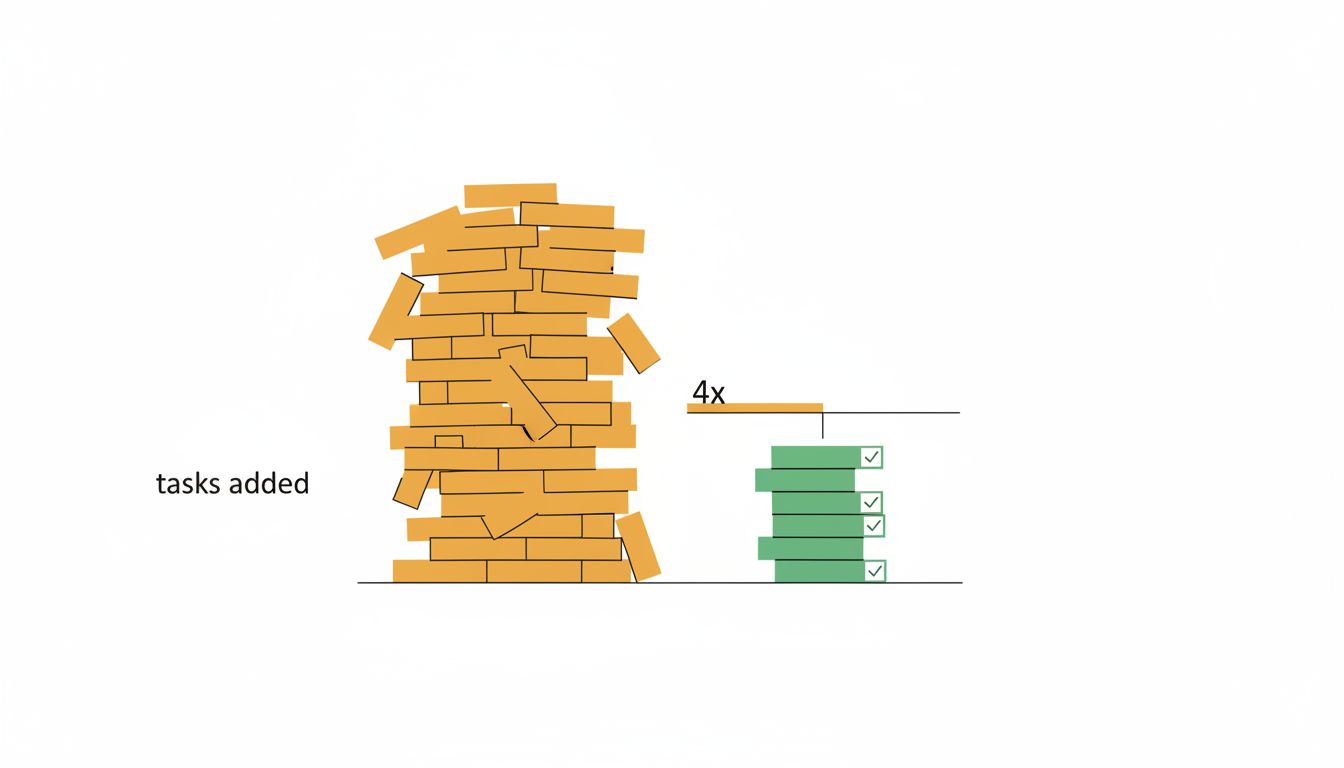
If you have been adding ten tasks a day and completing four, your list grows by six tasks daily. Over a month, that is 120 tasks of accumulated debt. The list becomes a source of anxiety rather than clarity, and you start doing what most people eventually do: you stop looking at it except to add more things.
The fix is not to work harder. It is to change what the system rewards.
How to Redesign Your System Around Finishing
You do not need new software. You need different rules applied to whatever you are already using.
Apply a daily limit on new tasks. Before you add anything to your list, it has to pass a simple test: is this more important than anything already on there? If it is not, it does not get added, or something else gets removed first. This forces you to treat the list as finite. A finite list is one you can actually work from.
Separate capture from commitment. Keep a scratch pad, a notes app, a voice memo, whatever feels natural, as your capture layer. Let it be messy. Then once a day, decide what actually becomes a task. This creates a checkpoint where you evaluate before you commit. Most things that feel urgent in the moment of capture look much less important twelve hours later.
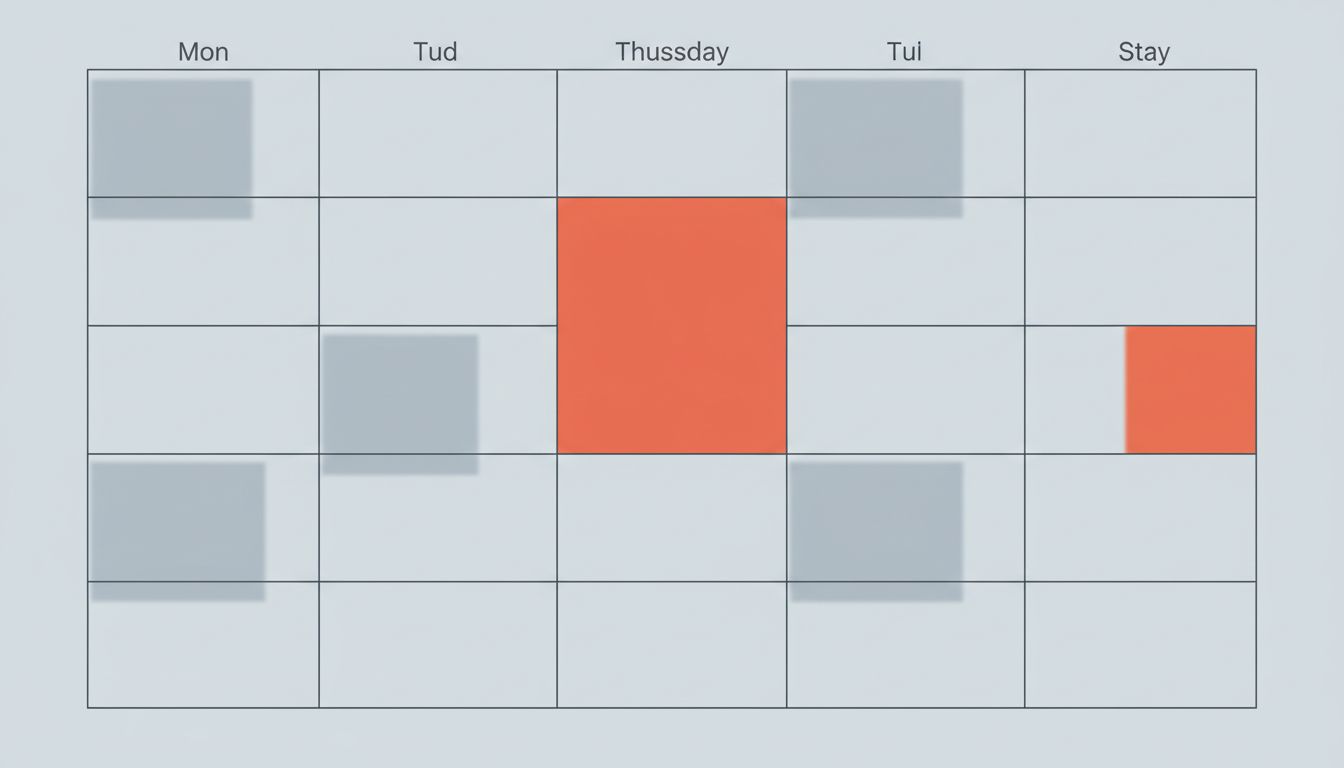
Use time blocks, not just task lists. A task without a scheduled block of time to do it is a wish. When you add a task, immediately ask: when specifically am I doing this? If you cannot answer that question, you either schedule it or you do not add it. This constraint will dramatically reduce list inflation because most tasks have no honest answer to “when.”
Make deletion a daily habit, not a periodic purge. Every morning, before you add anything, delete one thing. Not archive, not defer. Delete. Tasks that have sat for more than two weeks without action are almost certainly not going to get done, and they are costing you attention every time your eye passes over them.
Track your completion rate explicitly. At the end of each week, count what you added and what you finished. Do this for a month. The number alone changes behavior. When you see a 30% completion rate written down, you stop treating the list as a dumping ground.
The Harder Problem Underneath
There is a more uncomfortable layer here. Sometimes a bloated to-do list is not a system problem. It is an avoidance strategy. The list gives you the feeling of managing your work without requiring you to do the hardest parts of it. You can spend an hour reorganizing priorities and tagging projects and adjusting due dates, and it feels productive, because you are in the productivity system. But you have not written the difficult email, or had the hard conversation, or made the decision you have been putting off.
If you recognize this pattern, the app genuinely is not your productivity problem. No amount of system tweaking will fix a list that exists to defer rather than to commit. The right response there is to look at the oldest items on your list and ask honestly whether you are ever going to do them, and if not, what that tells you about your actual priorities.
A short, honest list is harder to maintain than a long, comfortable one. But it is the only kind that actually helps.
What This Means
Your to-do list is not a neutral tool. Its design nudges you toward adding, organizing, and reviewing rather than finishing. The software earns its keep by being something you open every day, which means capture features get priority attention over completion habits.
To work against this: cap how many things you add, create a gap between capture and commitment, assign time blocks to tasks before they go on the list, delete ruthlessly and often, and measure your completion rate weekly. None of these require new tools. They require treating the list as a commitment system rather than a thought-dumping system.
The goal is a list short enough that you can hold it in your head. When you reach that, you will know the system is working.