The Simple Version
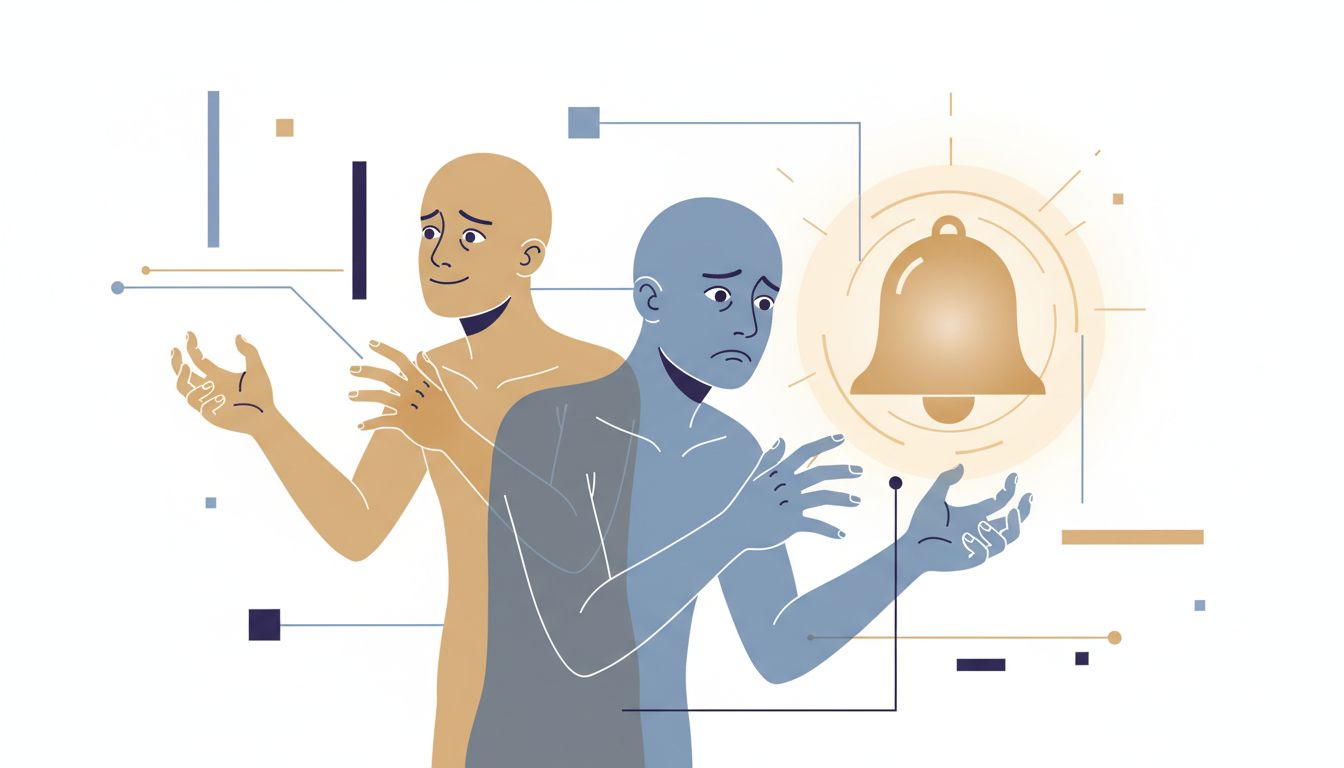
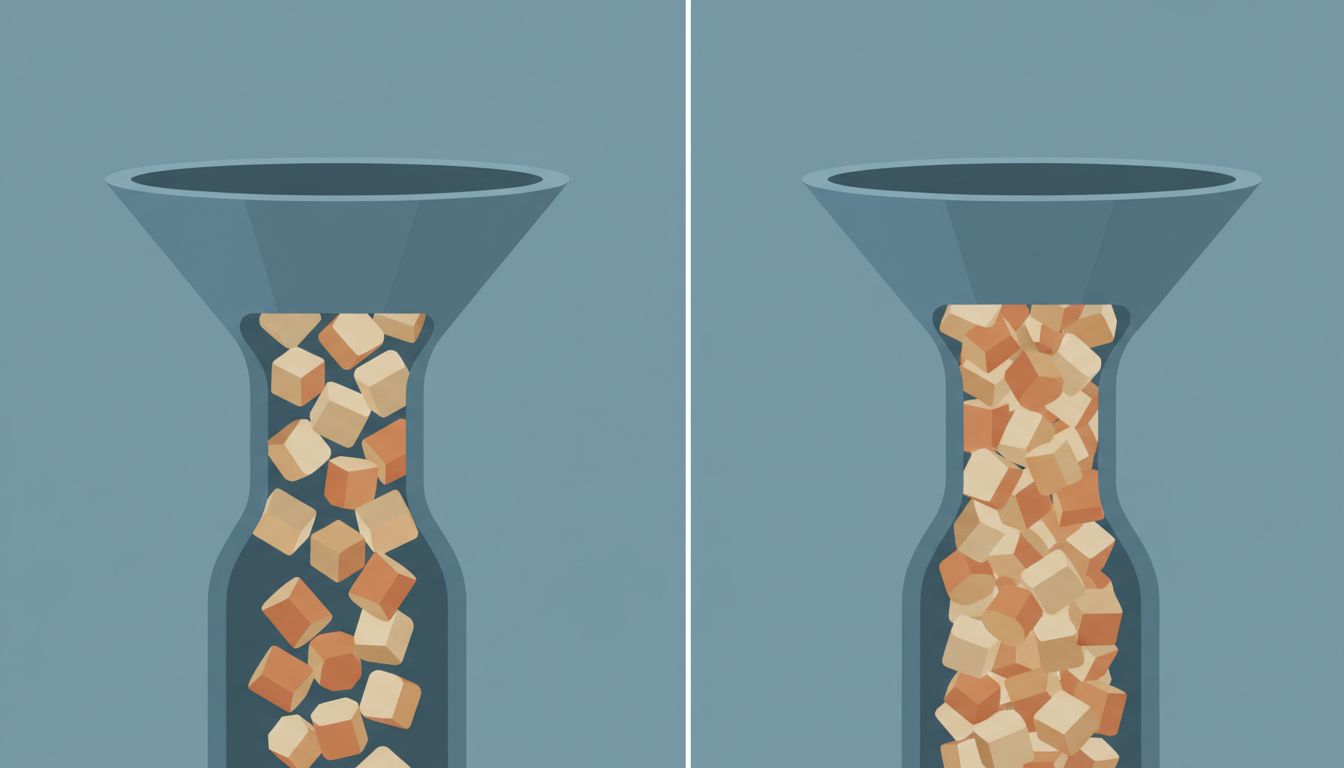
Finishing a task means the work is done. Closing a task means your brain knows it’s done. These are different events, and the gap between them is where focus goes to die.
Why Your Brain Keeps Tabs
In the 1920s, a Lithuanian psychologist named Bluma Zeigarnik noticed something while watching waiters in a Vienna café. They could recall the details of unpaid orders with remarkable accuracy. Once the bill was settled, the details evaporated. The open loop demanded mental resources. The closed loop released them.
This became the Zeigarnik effect: the mind preferentially holds onto unfinished tasks. It’s not a bug in human cognition, it’s a feature. Incomplete actions get priority mental attention so you don’t forget to finish them. The problem is that your brain doesn’t distinguish between “unfinished” and “finished but not formally closed.” Both feel like open loops.
So when you complete a piece of work and immediately jump to the next thing without any closing ritual, you leave a thread hanging. Not a big thread. But enough that part of your attention keeps circling back to check on it. Multiply that across ten tasks in a day and you’re carrying a background hum of cognitive load that has nothing to do with what you’re currently trying to accomplish.
The Difference in Practice
Consider a concrete example. You fix a bug. You test it locally, the behavior is correct, and you push the commit. Done, right? Maybe. But have you:
- Updated the ticket status?
- Left a note in the thread about what the root cause was?
- Closed any related tabs you opened while debugging?
- Mentally acknowledged that this thing no longer needs your attention?
If the answer to any of those is no, then you finished the work but you didn’t close the task. Some part of your working memory is still holding a reference to it. That reference will fire unpredictably, usually when you’re deep in something else.
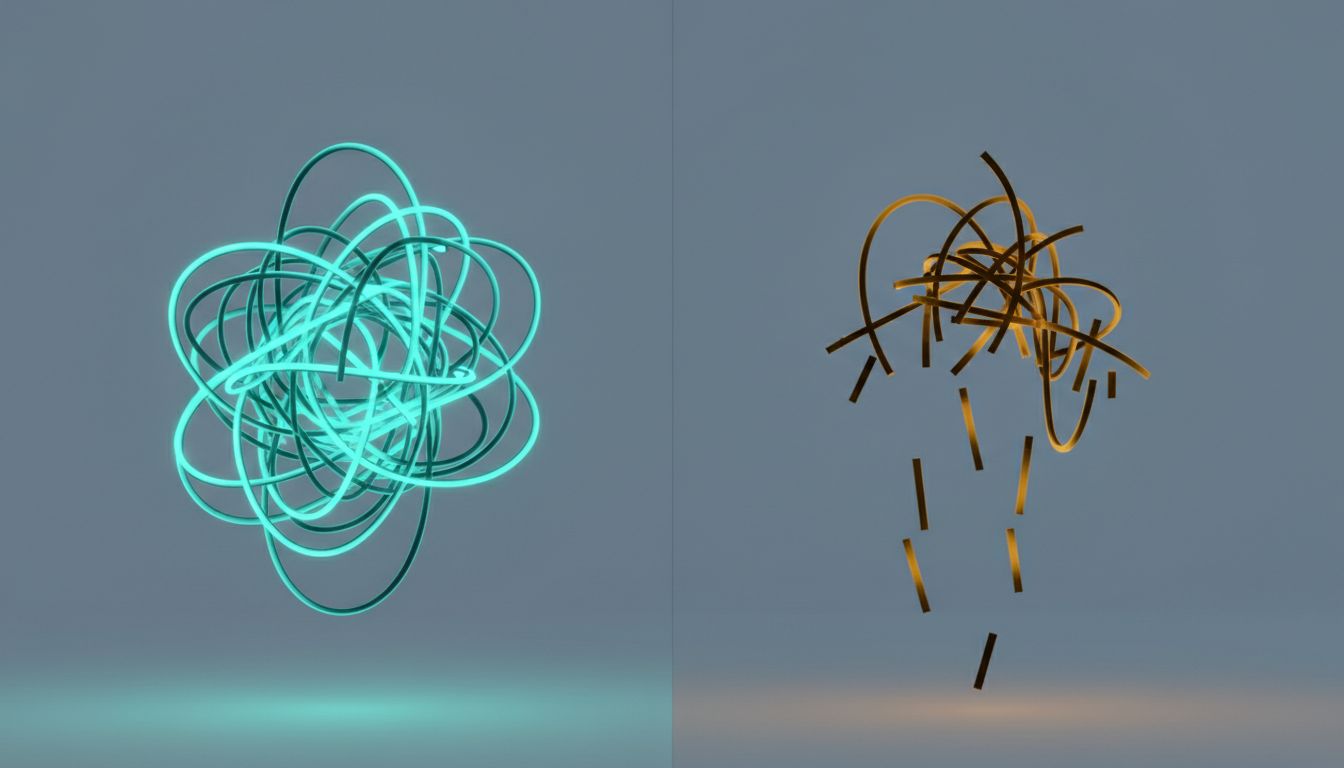
This isn’t about project management hygiene for its own sake. It’s about giving your brain a clear signal that this object can be garbage collected. (In software, garbage collection is the process by which a runtime reclaims memory from objects that are no longer needed. Your brain needs something analogous.)
The ritual of closing doesn’t need to be elaborate. For some tasks, it’s literally pressing a button to mark something done and saying out loud, even just internally, “that one’s finished.” For larger pieces of work, it might mean writing a two-sentence summary of what was resolved before moving on. The content matters less than the deliberate act of saying: this is over.
What Getting Interrupted Without Closing Costs You
The research on task-switching and interruption recovery is fairly consistent on this point: resuming interrupted work takes longer than it should, partly because you’re reconstructing where you were and partly because the interrupted task never fully released its hold on your attention. Studies out of UC Irvine have put the average recovery time from a workplace interruption at over 20 minutes.
But interruption isn’t the only way to skip the closing step. You can do it to yourself. You finish a code review and immediately open the next PR. You send the email and reload the inbox before the sent confirmation has even rendered. You complete the meeting and start another one. Each of these is a finished task that never got closed, and you’ve now created a small backlog of open loops in your own head that you manufactured voluntarily.
If you’ve ever had the experience of sitting down to focus and feeling vaguely unsettled without knowing why, this is likely the cause. You don’t have a focus problem. You have an accumulation of unclosed tasks creating background noise that focus can’t cut through.
The Role Your Tools Play (Or Don’t)
Most task management tools are better at capturing and organizing work than they are at helping you close it. They track completion in the sense that a checkbox turns green, but they don’t help you mentally disengage. That’s not a design flaw so much as a scope limitation. The tools are solving for visibility and coordination. The closing step is a cognitive act that the tool can’t perform for you.
There’s a version of this problem that shows up in how people use their inboxes. An email thread that’s resolved but never archived sits in the inbox as a visual open loop even though the actual work is finished. The inbox becomes a place where finished and unfinished coexist without distinction, which means your brain has to re-evaluate each item every time you look at it. That re-evaluation has a cost, even when the answer is always “still done.”
If your peak focus hours are already buried under meetings, you really can’t afford to spend what’s left of them resolving phantom ambiguity about tasks you already completed.
How to Actually Close Things
The practical fix is simpler than it sounds but takes deliberate practice to install as a habit.
At the end of each task, before you start the next one, do a brief explicit close. This looks different depending on the work, but the structure is the same: confirm the output exists somewhere (a commit, a sent message, an updated ticket), note anything that’s still open as a result (a follow-up you need to make, a PR that depends on this one), and then make a conscious decision to stop thinking about it.
That last part is the one people skip. They do the mechanical close but not the cognitive one. The cognitive close is just a moment of intentional acknowledgment. It sounds almost too simple, but it works because of the same mechanism that creates the problem: your brain responds to explicit signals about completion.
For longer projects, the closing ritual needs to scale up. A brief written retrospective (even a few sentences in a private doc) does more to release the project from your active mental space than just marking it done ever will. You’re not writing it for posterity. You’re writing it to externalize the remaining threads so your brain stops holding them internally.
Finishing is about the work. Closing is about your attention. You need both, and they require separate effort.