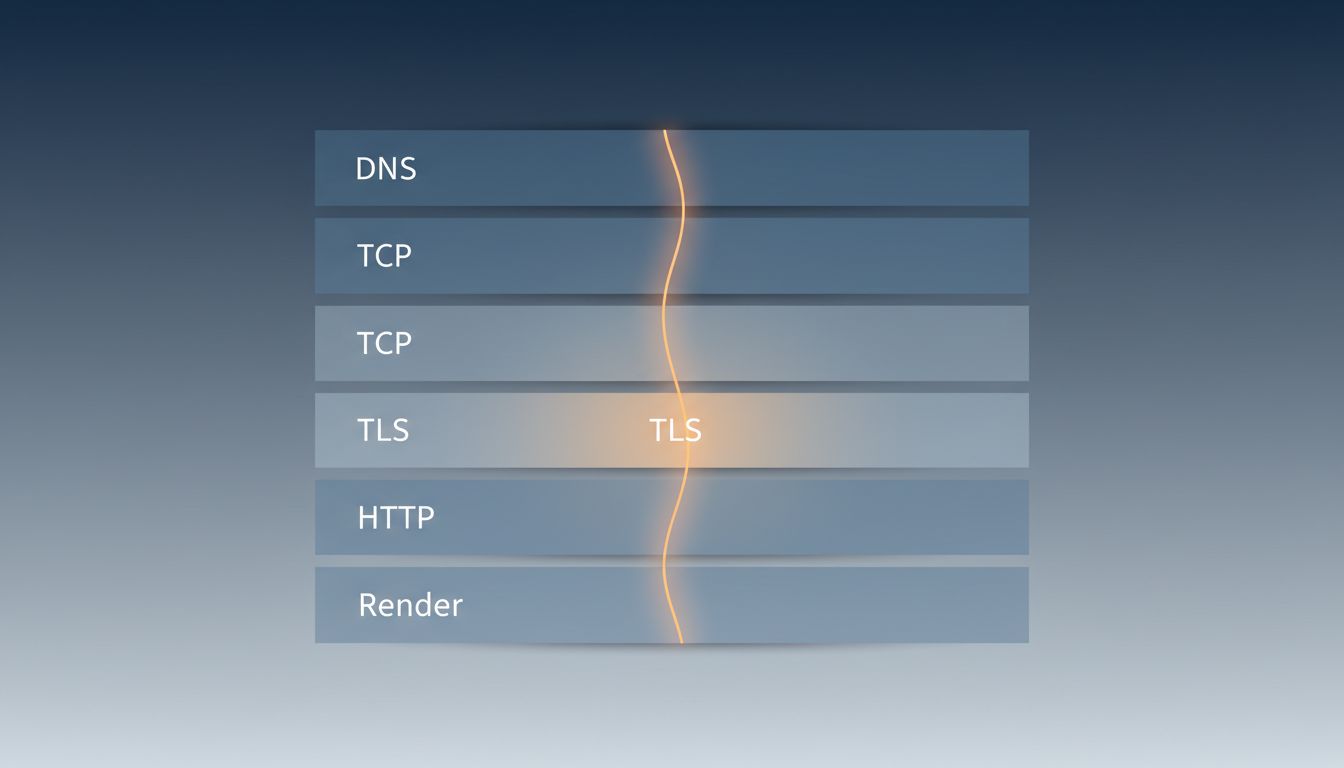
Most developers can describe parts of this process. Very few can describe all of it. The gap between “browser sends a request and gets a response” and what actually happens is where decades of infrastructure engineering live. Here is the real sequence.
1. Your Browser Parses the URL Before Anything Goes on the Wire
Before a single packet leaves your machine, the browser breaks the URL apart. It identifies the scheme (https), the hostname (say, example.com), the path, any query parameters, and any fragment identifier. This parsing step matters because the results determine what happens next. An https scheme triggers TLS negotiation later. A fragment identifier never gets sent to the server at all, it exists only for the browser.
If you typed something that isn’t a valid URL, the browser has to decide whether you meant a URL without a scheme, or whether you’re issuing a search query. Chrome, for instance, applies a heuristic based on whether the string contains dots and looks like a hostname. This is why typing “example.com” works even without “https://” in front.
2. DNS Is a Distributed Database With Several Layers of Cache
The hostname has to become an IP address. Your browser checks its own DNS cache first. If that misses, the operating system checks its cache, then falls back to whatever DNS resolver your network is configured to use, typically one provided by your ISP or a public resolver like 1.1.1.1 or 8.8.8.8.
If the resolver doesn’t have the answer cached, it performs a recursive lookup: it asks a root nameserver which TLD nameserver to talk to, then asks that TLD nameserver which authoritative nameserver handles the domain, then asks that nameserver for the actual record. This can mean four or five round trips, each adding latency. The TTL on the DNS record controls how long the answer stays cached before anyone has to ask again. Some records have TTLs of 300 seconds. Some have TTLs of 86400. A misconfigured TTL is often the invisible culprit when DNS-based failover takes longer than expected.
3. TCP Is Three Packets Before Any Real Data Moves
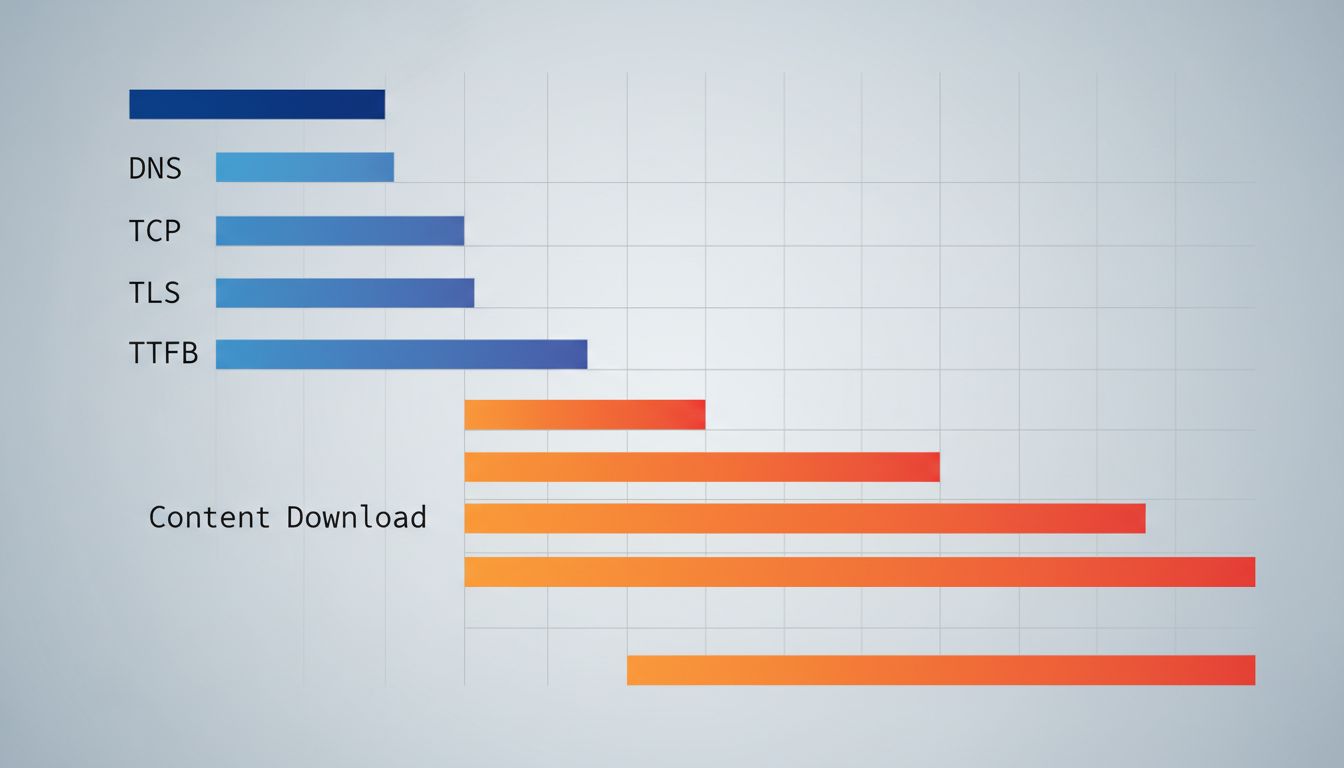
Once you have an IP address, your operating system opens a TCP connection. TCP requires a three-way handshake: your machine sends a SYN packet, the server responds with SYN-ACK, and you complete it with an ACK. Only after all three does either side send anything meaningful.
For a server in the same city, this handshake might take 5 milliseconds. For a server on another continent, you’re looking at 150-300ms before any content has been requested. This is why content delivery networks exist. Cloudflare, Fastly, and similar services have edge nodes close to users specifically so this TCP handshake happens nearby, even if the origin server is far away. The physics of light through fiber imposes a hard floor on latency that no amount of software optimization can remove.
4. TLS Adds Another Round Trip (or More)
For any https URL, the TCP handshake is followed immediately by a TLS handshake. In TLS 1.2, this was two additional round trips: one to agree on cipher suites and exchange certificates, another to derive session keys. TLS 1.3, finalized in 2018, cut this to a single round trip by bundling more of the negotiation into the first message.
The browser also has to verify the server’s certificate. This involves checking that the certificate was signed by a trusted certificate authority, that it hasn’t expired, and ideally that it hasn’t been revoked. Certificate revocation is one of the messier corners of internet security. OCSP (Online Certificate Status Protocol) lets browsers check revocation status in real time, but this adds another network request and creates its own latency problem. Many browsers now use OCSP stapling, where the server includes a fresh revocation check result with its certificate, avoiding the extra lookup entirely.
5. The HTTP Request Is Actually the Simple Part
After all that, the actual HTTP request is almost anticlimactic. The browser sends a GET request with headers including the hostname, acceptable content types, accepted encodings (gzip, brotli), cookies for that domain, and a few dozen other fields depending on the browser and context. The server reads the request, generates a response, and sends back status code, headers, and body.
For modern HTTP/2 and HTTP/3 connections, multiple requests can be in flight simultaneously over a single connection, which matters a lot for pages that need dozens of assets. HTTP/1.1 required a separate connection (or connection reuse with strict queuing) for each request, which meant browsers opened six or more parallel connections per domain to fake concurrency. HTTP/2 made that unnecessary. HTTP/3 goes further, running over QUIC instead of TCP, which eliminates TCP’s head-of-line blocking problem and makes connection establishment faster on unreliable networks.
6. Rendering Is Its Own Pipeline
When the HTML starts arriving, the browser doesn’t wait for the full document. It parses incrementally, building a DOM tree. As it encounters CSS references, it fetches those and builds a CSSOM. JavaScript can block both processes if it’s not marked as async or deferred, which is why render-blocking scripts in the document head are a performance antipattern.
Once the browser has both the DOM and CSSOM, it combines them into a render tree, calculates layout (where every element sits on the page), paints pixels to layers, and composites those layers. Modern browsers move some of this work to GPU threads to avoid blocking the main thread. If a JavaScript change forces the browser to recalculate layout, that’s called a reflow, and doing it repeatedly in a tight loop is one of the most reliable ways to make a page feel laggy. The performance implications of this pipeline are why the fastest programs win by doing less work applies just as much to the browser as to backend code.
7. Most of This Happens in Under 500 Milliseconds
For a well-optimized site served from a nearby CDN, the entire sequence, DNS resolution, TCP handshake, TLS handshake, HTTP request, response transfer, and initial render, can complete in well under half a second. Google’s own research found that as page load time increases from one second to three seconds, the probability of a user bouncing increases by 32%. The engineering effort that goes into shaving those milliseconds is enormous and largely invisible.
The next time a page loads fast, consider what actually went right: a DNS record with a sensible TTL was cached nearby, a CDN terminated the TCP connection close to you, TLS 1.3 saved a round trip, HTTP/2 multiplexed the asset requests, and the browser’s rendering pipeline executed without reflows. Any one of those pieces failing or being misconfigured adds measurable time. The miracle isn’t that pages sometimes load slowly. The miracle is how often they don’t.