Your VPN is doing exactly what it promises. Your traffic is encrypted. Your IP address is masked. The website you’re visiting sees a data center in Amsterdam instead of your apartment in Chicago. You’ve done everything right.
Except you probably haven’t touched your DNS configuration, which means a server you’ve never thought about has a timestamped record of every domain you’ve visited, correlated to your real IP address, stretching back as far as you’ve been a customer.
The Phone Book That Knows Your Secrets
DNS, the Domain Name System, is the internet’s address book. When you type nytimes.com into a browser, your device doesn’t inherently know where that is. It asks a DNS resolver, a server that translates human-readable domain names into IP addresses. Without that translation, nothing works.
The DNS resolver your device uses by default is almost certainly assigned by your internet service provider. Every query you send to that resolver, every domain name your browser, apps, email client, and background services look up, is logged with your IP address and a timestamp. Your ISP knows you visited a mental health resource at 2 AM on a Tuesday. They know you’ve been comparison-shopping for divorce attorneys. They know which streaming services you use and, because your devices make DNS lookups continuously in the background, roughly when you’re home.
This isn’t hypothetical. In the United States, the FCC’s 2016 broadband privacy rules, which would have required ISPs to get explicit consent before selling this kind of data, were repealed by Congress in 2017 using the Congressional Review Act. Major ISPs actively lobbied for that repeal. The data has commercial value precisely because of how comprehensive it is.
Why Your VPN Doesn’t Automatically Fix This
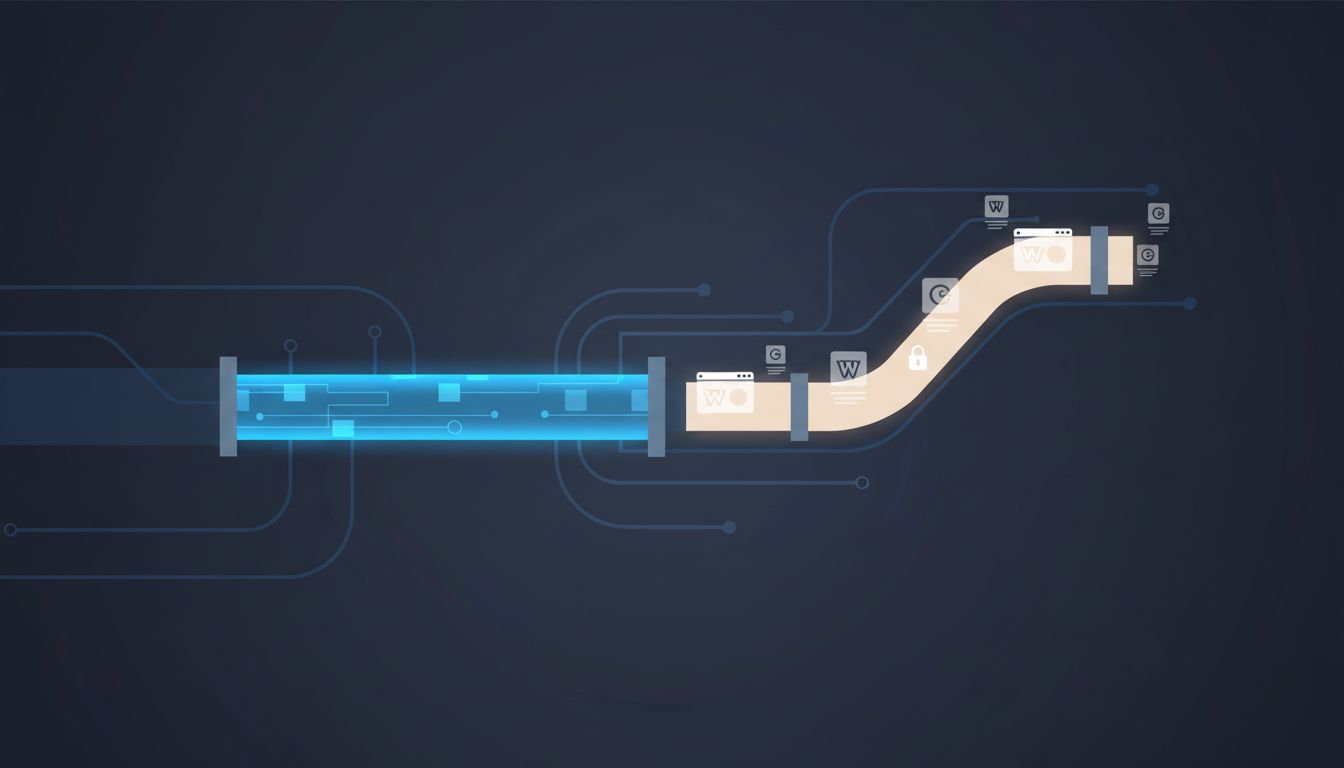
A VPN routes your internet traffic through an encrypted tunnel to a server operated by the VPN provider. Done well, this hides your browsing from your ISP. Done poorly, it just shifts the problem.
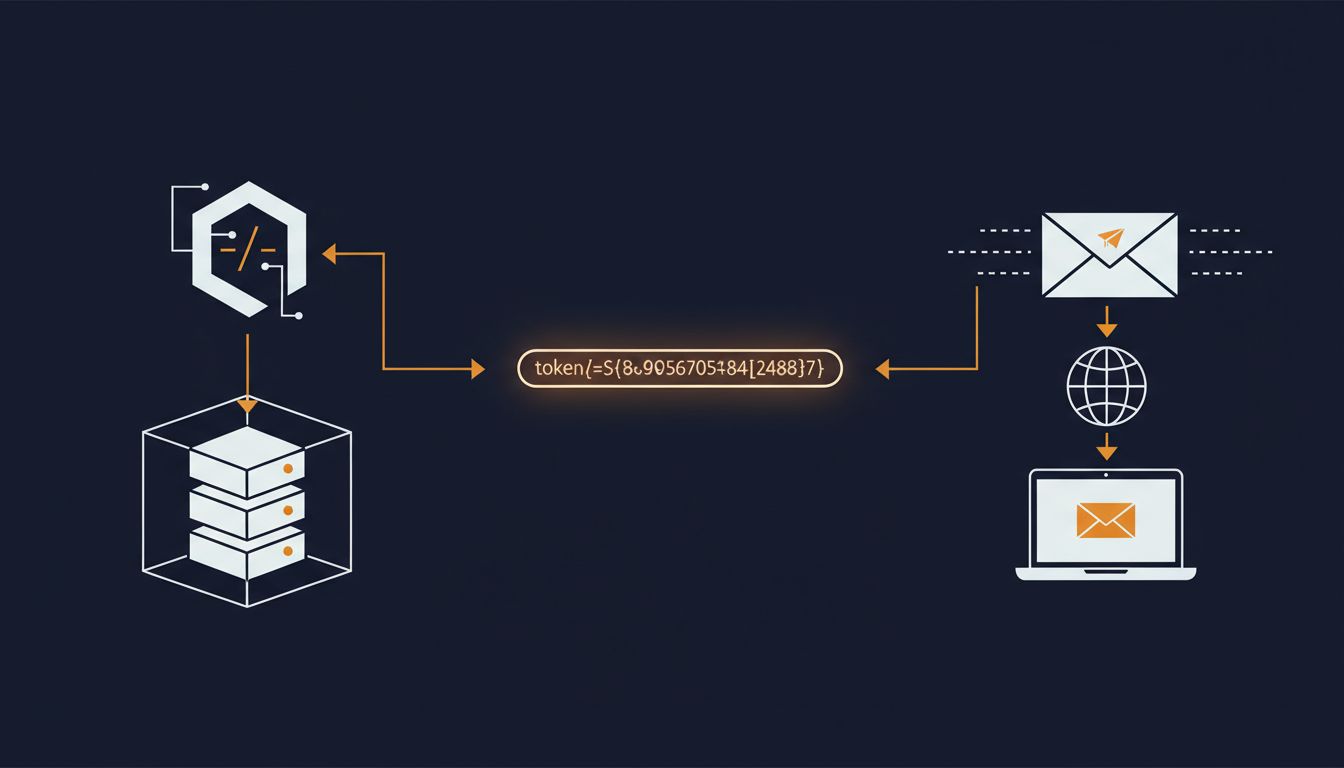
The most common failure mode is called a DNS leak. When you connect to a VPN, your device should route DNS queries through the VPN tunnel to the provider’s own resolvers. Many don’t, by default. The operating system or a specific application falls back to the system’s configured DNS server, which is still your ISP’s resolver. Your IP is masked on the actual web request but fully visible on the DNS lookup that preceded it. The lookup and the visit are effectively the same event, exposed.
You can test for this right now. Search for “DNS leak test” and run one while connected to your VPN. If the results show your ISP’s servers or your home IP, your VPN is not protecting your DNS traffic.
Even VPNs that handle DNS correctly require trust. You’ve moved the problem from your ISP to your VPN provider. NordVPN, to its credit, underwent an independent audit of its no-logs claims in 2018, and again in subsequent years, specifically because the logging question is the entire security proposition for paying customers. But audits are point-in-time snapshots. The underlying architecture still centralizes enormous amounts of behavioral data with a single provider whose legal obligations and business incentives may change.
The Metadata Problem Is Worse Than the Content Problem
People tend to fixate on content: the article text, the video stream, the form submission. DNS exposes something arguably more revealing, the pattern of what you’re accessing and when.
Researchers at Princeton demonstrated this with a study called “Inferring Streaming Video Quality from Encrypted Traffic,” but the same logic applies more broadly. From DNS query metadata alone, you can reconstruct a detailed behavioral profile. Someone who queries webmd.com, then a specific condition’s support forum, then goodrx.com at midnight reveals something specific without a single byte of content being exposed. Someone whose devices query indeed.com repeatedly before querying an employment attorney’s domain tells a story.
The academic term for this is traffic analysis, and intelligence agencies have used it for decades. The NSA’s PRISM program, revealed by Edward Snowden in 2013, collected content. But the agency’s own documents showed analysts considered metadata, the who, what, and when rather than the substance, to be at least as valuable. The pattern of communication often tells you more than the communication itself.
DNS query logs are metadata in exactly this sense. Content encryption, which HTTPS provides, has become essentially universal. DNS, by contrast, has been transmitted in plaintext by default since its creation in 1983. Your browser’s connection to a server is encrypted. The question of which server you connected to has, historically, not been.
The Technical Fixes That Actually Exist
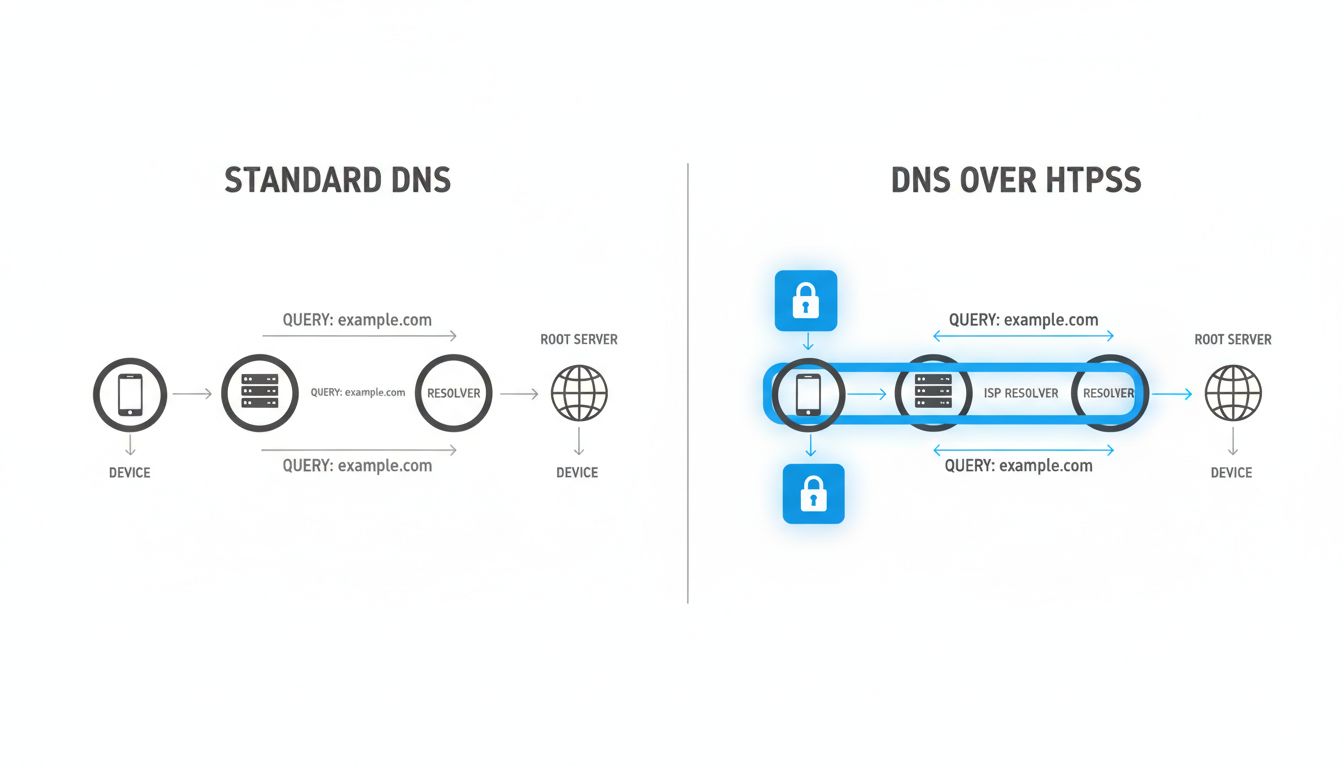
The industry has responded with two meaningful protocol upgrades: DNS over HTTPS (DoH) and DNS over TLS (DoT). Both encrypt the DNS query itself, preventing network observers including your ISP from seeing which domains you’re resolving. The difference between them is primarily architectural: DoT uses a dedicated port (853) that’s easy for network administrators to identify and block, while DoH runs on the same port 443 as regular HTTPS traffic and is effectively indistinguishable from a normal web request.
Firefox enabled DoH by default in the United States in 2020, routing queries through Cloudflare’s 1.1.1.1 resolver. Google has rolled out DoH support in Chrome. Apple added encrypted DNS support in iOS 14 and macOS Big Sur. The infrastructure exists.
But enabling these features still requires trusting a resolver operator. Cloudflare’s 1.1.1.1 promises not to log IP addresses associated with queries and submits to regular third-party audits. Quad9, a non-profit operated in Switzerland, routes queries through a threat-blocking list and publishes detailed privacy documentation. These are better choices than your ISP’s resolver, but the trust relationship persists.
The more aggressive solution is running your own recursive resolver locally, something like Unbound, which resolves domain names directly from authoritative servers without routing through any single intermediary. This is technically demanding and introduces its own tradeoffs, including potentially slower resolution and exposure to root server query patterns. For most people, it’s not practical.
What the Browser Wars Got Wrong About DNS
Firefox’s rollout of DoH by default generated substantial backlash from an unexpected direction: enterprise IT departments and parental-control providers. Both groups had long relied on DNS-level filtering to enforce policies. A school district blocking certain content categories does so at the resolver. A company preventing employees from visiting malware-hosting domains does the same. DoH, by bypassing the local resolver, broke these controls.
This created a genuine conflict between individual privacy and institutional network management, and it exposed how much invisible infrastructure had been quietly built on the assumption that DNS would remain observable. Mozilla responded by creating a “canary domain” mechanism: if a resolver returns a specific response to a query for use-application-dns.net, Firefox treats it as a signal that the network wants to manage DNS itself and disables DoH. ISPs can opt out of being bypassed.
This is a reasonable compromise but it also illustrates how deeply the unencrypted DNS assumption is embedded in both consumer and enterprise infrastructure. Changing defaults has real costs, and those costs get paid by specific people and organizations who built legitimate tools on top of the old behavior. The transition is messy in the way that most meaningful infrastructure upgrades are messy, not a clean switch but a long negotiation between competing interests.
What Encrypted DNS Doesn’t Solve
Even with DoH or DoT enabled and routed through a trustworthy resolver, you haven’t fully closed the observation window. SNI, Server Name Indication, is a TLS extension that tells a web server which domain you’re connecting to before the encrypted session is established. This allows servers hosting multiple domains on a single IP address to present the correct certificate. It also means the domain name is visible in plaintext to anyone who can see your traffic, including your ISP, even when HTTPS is in use.
ECH, Encrypted Client Hello, is the successor standard designed to fix this. It encrypts the SNI field. Browser support is still rolling out, and CDN support (particularly from Cloudflare) is ahead of origin server adoption. The HTTPS lock icon tells you your connection is encrypted, but as covered elsewhere on this site, the lock doesn’t mean you’re fully shielded.
The broader point is that internet privacy is not a single toggle. It’s a stack of overlapping protections, each with its own threat model and its own gaps. DNS encryption closes one significant gap. It doesn’t close all of them. A VPN with a no-logs policy, DoH routing, and ECH-capable browsers gives you a meaningfully more private configuration than the default. But the metadata leaks are real, they’ve been exploited commercially for years, and most people running VPNs have no idea the DNS channel was open the whole time.
What This Means
The practical takeaways, without the abstractions:
Check for DNS leaks. Run a test while your VPN is active. If your ISP’s resolvers appear, your VPN is not protecting your DNS traffic regardless of what its marketing says.
Switch to an encrypted resolver. Cloudflare’s 1.1.1.1 with DoH, Quad9 (9.9.9.9), or NextDNS all offer encrypted DNS with varying privacy policies. Any of them is a significant improvement over your ISP’s default.
Understand what you’re trusting. Moving from your ISP to Cloudflare moves the trust relationship, it doesn’t eliminate it. Cloudflare is a better counterparty for most individual users, but it’s still a counterparty.
Enable DoH in your browser independently. Even if your system DNS is unencrypted, modern browsers can enforce DoH at the application layer. Firefox and Chrome both support this in settings.
Know what DoH doesn’t fix. SNI leakage persists without ECH. Your VPN provider still sees your traffic patterns. The browser you use collects its own behavioral data through entirely different channels. Privacy is defense in depth, not a single solution.
The default configuration of the internet was designed for connectivity, not confidentiality. The DNS system was built when the network was a research project shared among people who trusted each other. It has since become the substrate for commercial surveillance at scale. The fixes exist. Most people just haven’t been told they need them.