A single line of SQL sits in your migration file: ALTER TABLE users DROP COLUMN legacy_notes;. You’ve already confirmed nothing reads from it. The column is genuinely dead weight. You run the migration and, thirty seconds later, your on-call phone lights up.
Deleting a database column is one of those operations that looks trivial and isn’t. The gap between what the command does and what it costs is large enough to cause real production incidents, and it trips up engineers at every experience level. Understanding why requires looking at how databases actually work under the hood.
The Lock Problem
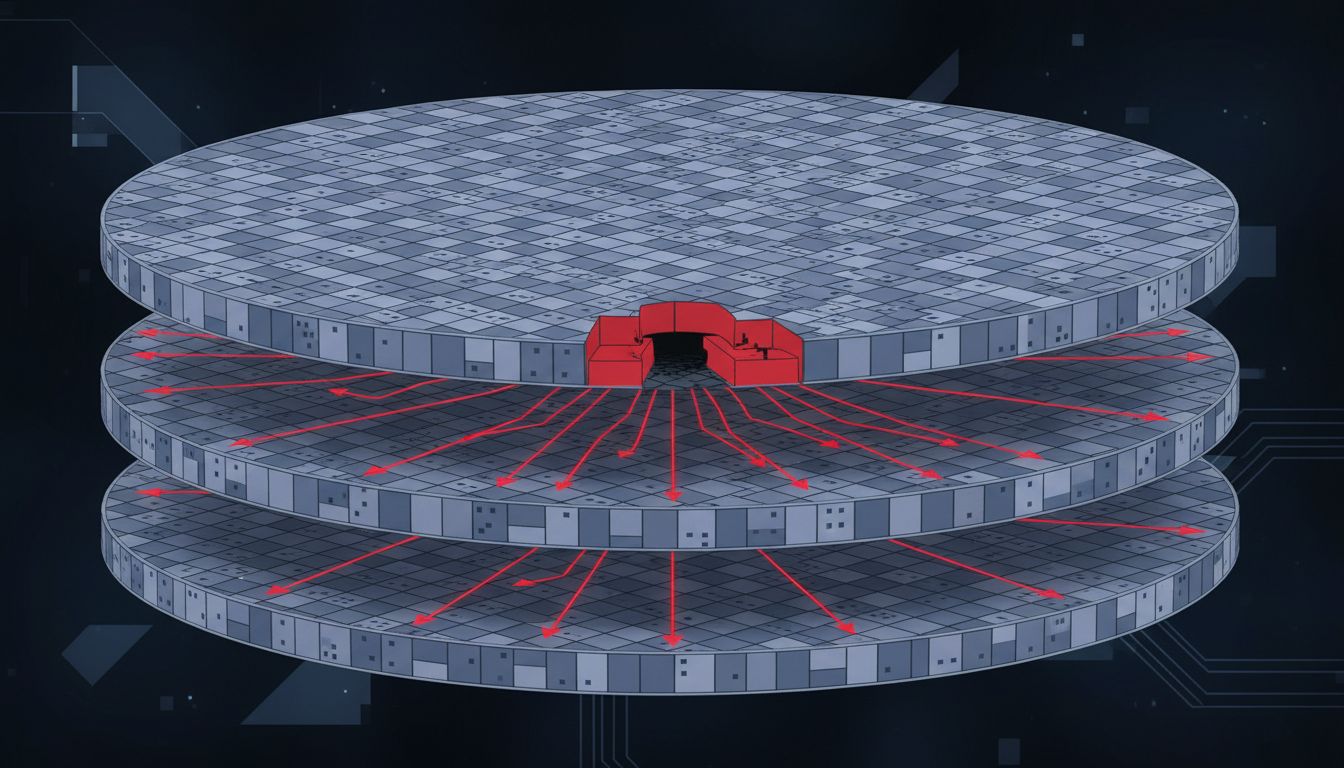
On most relational databases, a DROP COLUMN statement isn’t just a metadata update. Historically, PostgreSQL would rewrite the entire table to remove the column’s data, which meant acquiring an exclusive lock for the duration. On a table with tens of millions of rows, that could take minutes. During that time, every read and write against that table queues up and waits. Your application doesn’t crash immediately; it just stops responding as connection pools fill with blocked queries.
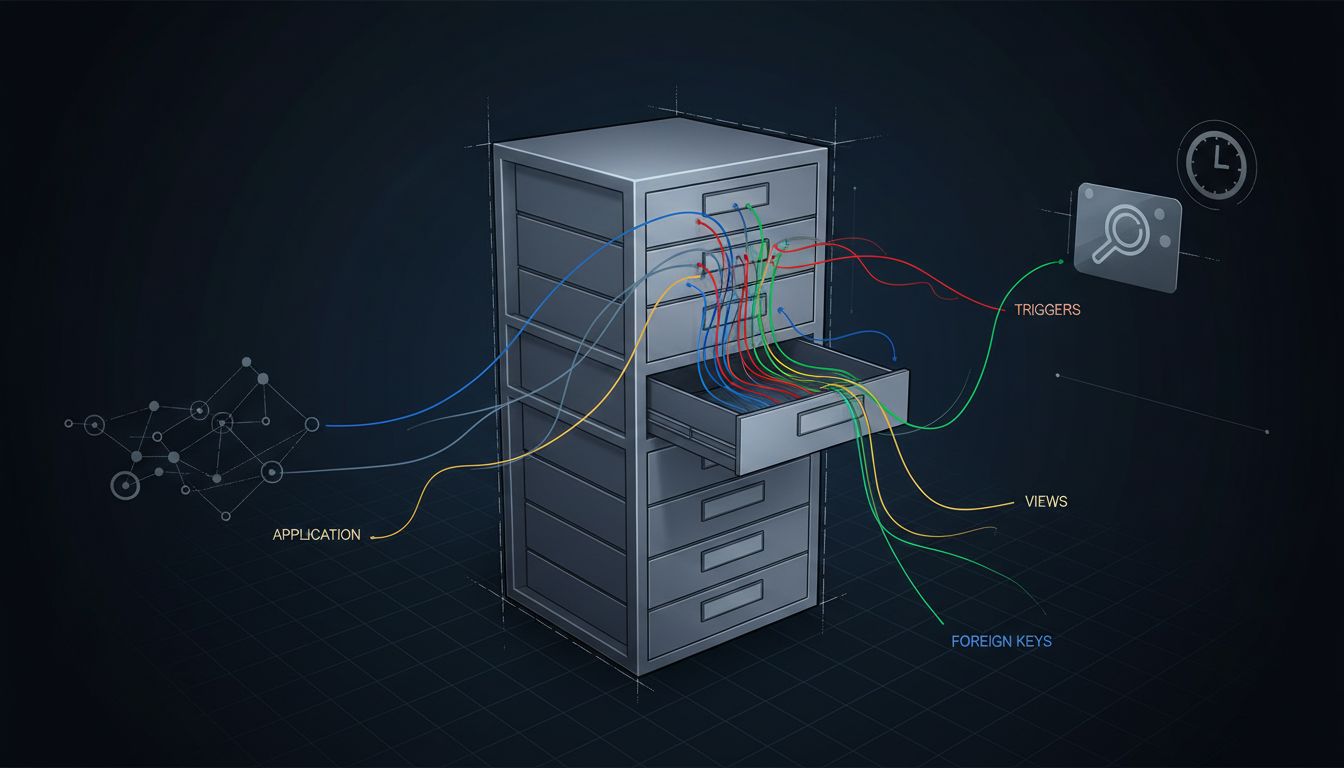
PostgreSQL improved this significantly. Starting in version 11, DROP COLUMN became a logical operation for most cases: the database marks the column as dropped in its catalog without immediately reclaiming the physical space, so the lock is brief. But MySQL’s InnoDB engine, depending on your version and configuration, may still perform an in-place rebuild. And even PostgreSQL’s “fast” drop can still block if you have foreign key constraints, triggers, or views referencing the column, because those require their own catalog changes.
The practical upshot: the safety of this operation depends heavily on your database engine, version, table size, constraint graph, and current load. None of that is visible in the migration file.
Your Code Doesn’t Know the Column Is Gone
Suppose you solve the locking problem. You’re still not done. Modern applications rarely talk to a database through raw SQL alone. ORMs like ActiveRecord, SQLAlchemy, and Hibernate often inspect the schema at startup or cache column metadata. Some frameworks will throw an error the moment they try to load a model that references a column which no longer exists. Others will silently fail in more confusing ways.
This creates a deployment ordering problem. If you drop the column and then deploy the new application code, you have a window where old application servers are still running and still expect the column to be there. If you deploy the new code first, it needs to already not reference the column. Neither order is automatically safe unless you’ve explicitly cleaned up all references before the migration runs.
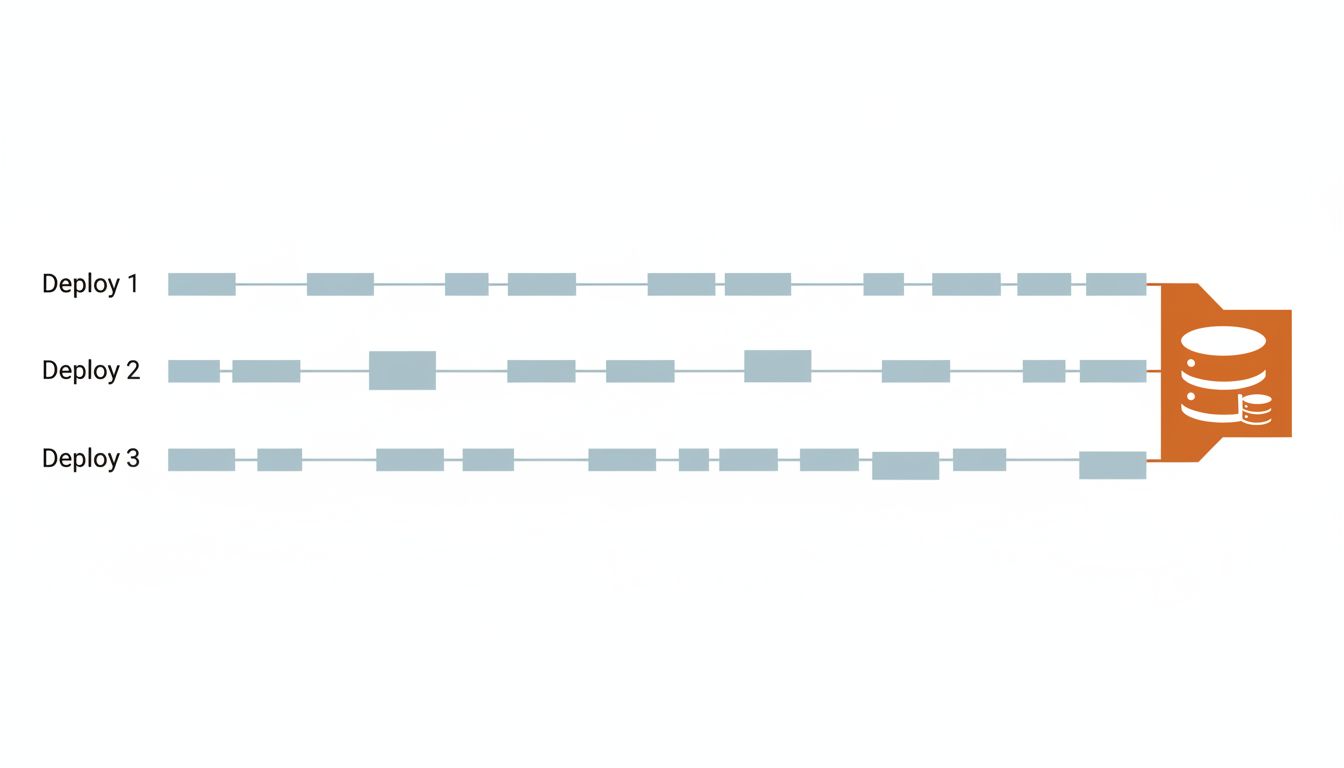
The standard safe pattern for column removal requires three separate deployments: first, remove all application code that writes to the column; second, remove all code that reads from it; third, run the migration to drop it. Some teams add a fourth step to handle ORM schema caches. This turns a one-liner into a multi-sprint operation on a busy codebase, which is the actual reason so many dead columns linger in production schemas for years. The software nobody rewrites is usually the most critical, and the same inertia applies to schema cleanup.
Hidden Dependencies You Didn’t Know Existed
Application code is the dependency you can audit. The harder problem is everything else.
Database views are the obvious one. A view that selects * from your table will silently include or exclude columns depending on when it was last compiled, and behavior varies by engine. Stored procedures and triggers are worse because they’re often written by someone who left the company, documented nowhere, and only run on specific code paths that aren’t in your test suite.
Then there are external systems. Analytics pipelines that pull from read replicas. Reporting tools with their own cached schema metadata. Data warehouses that were set up to ingest that table’s full structure. ETL jobs that reference column names explicitly. None of these are visible from your application repository, and none of them will tell you they’re broken until after the column is gone.
Large organizations often discover this through incident post-mortems. A data team’s nightly export job silently starts producing empty fields. A BI dashboard shows zeros instead of nulls. These failures are quiet enough that they go unnoticed for days.
How Teams Actually Do It Safely
The mature approach to column removal treats it like infrastructure decommissioning, not a code change. A few practices make the process substantially safer.
First, make the column nullable with no application logic writing to it, and watch query logs for any remaining reads. If nothing touches it for a full release cycle, you have reasonable confidence it’s truly dead. Some teams add explicit monitoring for this.
Second, use your database’s tooling for online schema changes. Tools like pt-online-schema-change (for MySQL) and pg_repack (for PostgreSQL) can restructure tables with minimal locking by working on a copy. GitHub open-sourced their own tool, gh-ost, after pt-osc didn’t meet their requirements at scale. These tools exist precisely because the native ALTER TABLE behavior is inadequate for live, high-traffic systems.
Third, keep your analytics and downstream consumers in the loop. This sounds obvious. It rarely happens.
The Broader Lesson About Schema Changes
Database schemas accumulate the same kind of technical debt that codebases do, but with higher stakes. A bad function is a bug. A bad migration on a locked table at peak traffic is an outage.
The reason column deletion specifically catches people off guard is that it feels like the opposite of risk. You’re removing something. How could removing something cause problems? But production systems don’t fail because of what’s present. They fail because of assumptions, and every piece of your infrastructure has assumptions about your schema baked into it, in places you may never think to look.
The SQL is one line. The work around it is not.