The simple version
Every notification you receive doesn’t just take the seconds it takes to read. It takes the minutes required to get back to what you were doing, and most people have misconfigured their devices to maximize the number of times this happens.
What’s actually happening in your brain
When you’re working on something that requires real thought, your brain isn’t just executing instructions. It’s holding a temporary structure in working memory: the shape of the problem, where you are in it, what you’ve already ruled out, what thread you’re pulling on. This is sometimes called your “cognitive context,” and it’s expensive to build and fragile to maintain.
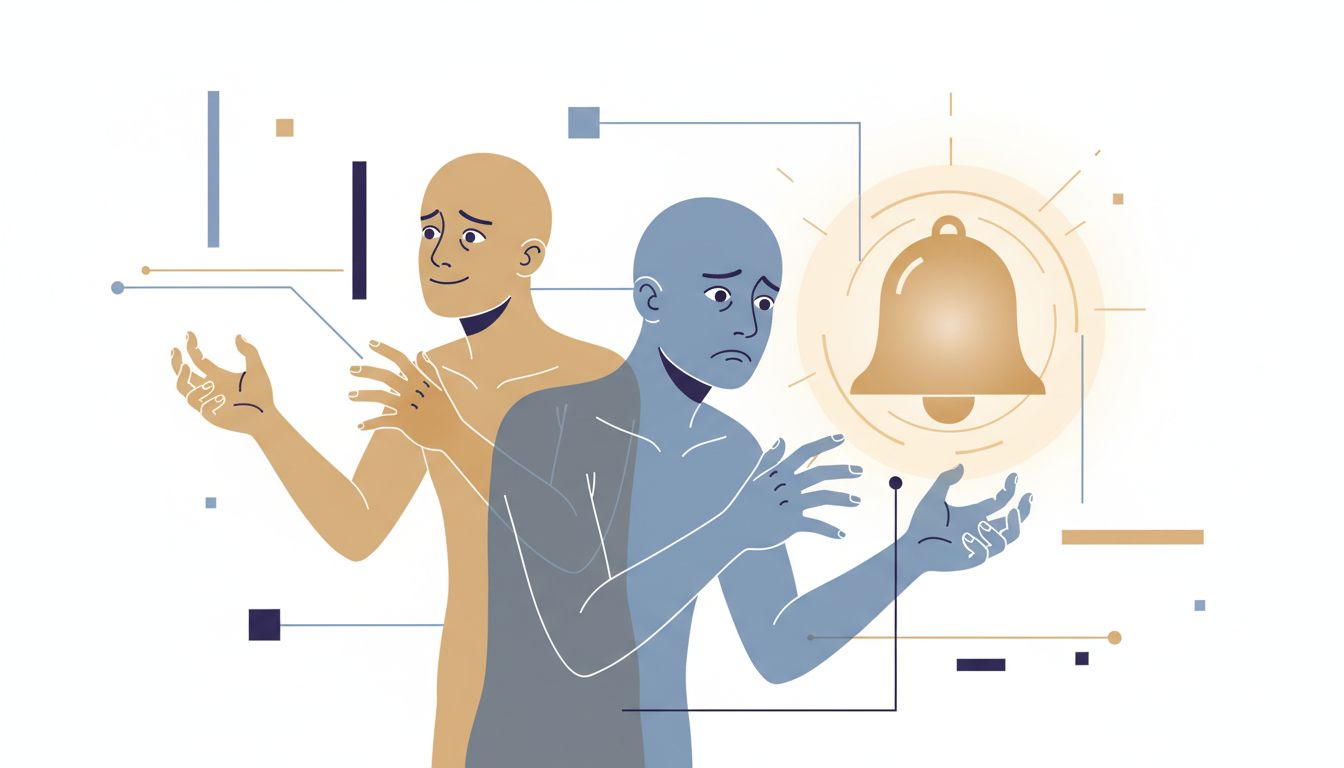
A notification doesn’t just interrupt you. It initiates a context switch. Your brain pivots to evaluate the new input, decides whether to act on it, and then has to try to reconstruct what it was doing before. Research by Gloria Mark at UC Irvine has found that it can take more than 20 minutes to fully return to a task after an interruption. That’s not 20 minutes spent idle. That’s 20 minutes of degraded performance while the original context gets rebuilt.
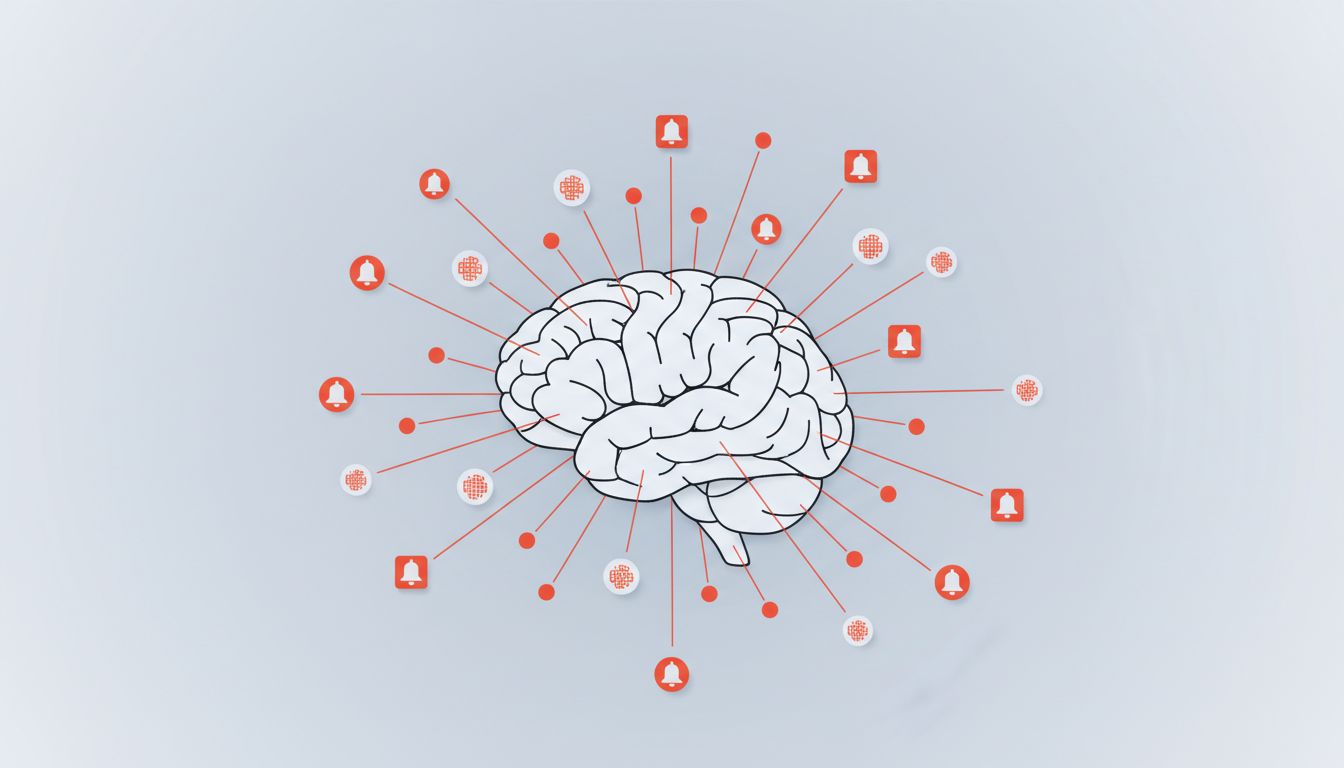
The insidious part is that the notification doesn’t even need to be important to cause this. A badge counter on a mail app, a chat ping from a colleague sharing a meme, a news alert about something you care about but can’t act on right now: they all trigger roughly the same attentional hijack. The brain evolved to treat novel stimuli as potentially important. Your phone is exploiting that.
As this site has noted before, closing the notification doesn’t end the interruption. The damage is already done at the moment of intrusion.
The configuration problem
Most people set up notifications once, during initial device or app setup, when they’re in a context of low friction and mild excitement about a new tool. They accept defaults or enable everything, and they never revisit it. The result is a device optimized for the app developer’s engagement goals, not the user’s actual priorities.
This is worth thinking about structurally. App developers are measured on daily active users, session counts, and time-in-app. Notifications drive all three metrics. So the default settings in virtually every app are calibrated to create the maximum number of plausible-seeming reasons to interrupt you. The defaults are not neutral. They are adversarial.
The typical smartphone user, having accepted defaults across a few dozen apps, is effectively running a real-time auction for their attention every few minutes, with no reserve price.
How to actually fix it
The fix isn’t to turn everything off (that creates anxiety about missing real things) or to keep everything on (the status quo). The fix is to apply a simple triage framework, and to be honest with yourself about the difference between information you need to act on immediately and information you just want.
Here’s a useful mental model: sort your notifications into three categories.
Time-critical and personal. Phone calls and texts from people you trust. Calendar alarms for things happening in the next hour. These can stay. These are the cases notifications were designed for.
Useful but not urgent. Email from real humans, project updates, messages in work channels you’re actively part of. These should be batched. Turn off push delivery and check them on a schedule you control, like once an hour, or at natural break points in your day. The information is still there. You’re just choosing when to let it in.
Ambient noise. Marketing emails, social media activity, news digests, app update prompts, “likes” and reactions, badge counts on apps you check deliberately anyway. Turn these off entirely. Not to silent. Off. If you don’t notice their absence within a week, they were never providing value.
The technical implementation varies by platform, but every modern mobile operating system supports per-app notification settings, scheduled delivery windows, and focus modes that can silence everything except specific contacts or apps. These tools exist. The question is whether you’ve used them with any intentionality.
One practical approach: spend thirty minutes auditing your notifications the way you’d audit a dependencies list in a codebase. For each one, ask what behavior it’s trying to trigger in you, and whether you want that behavior. If you’d be fine checking that app on your own schedule, you don’t need the push notification.
The compounding effect
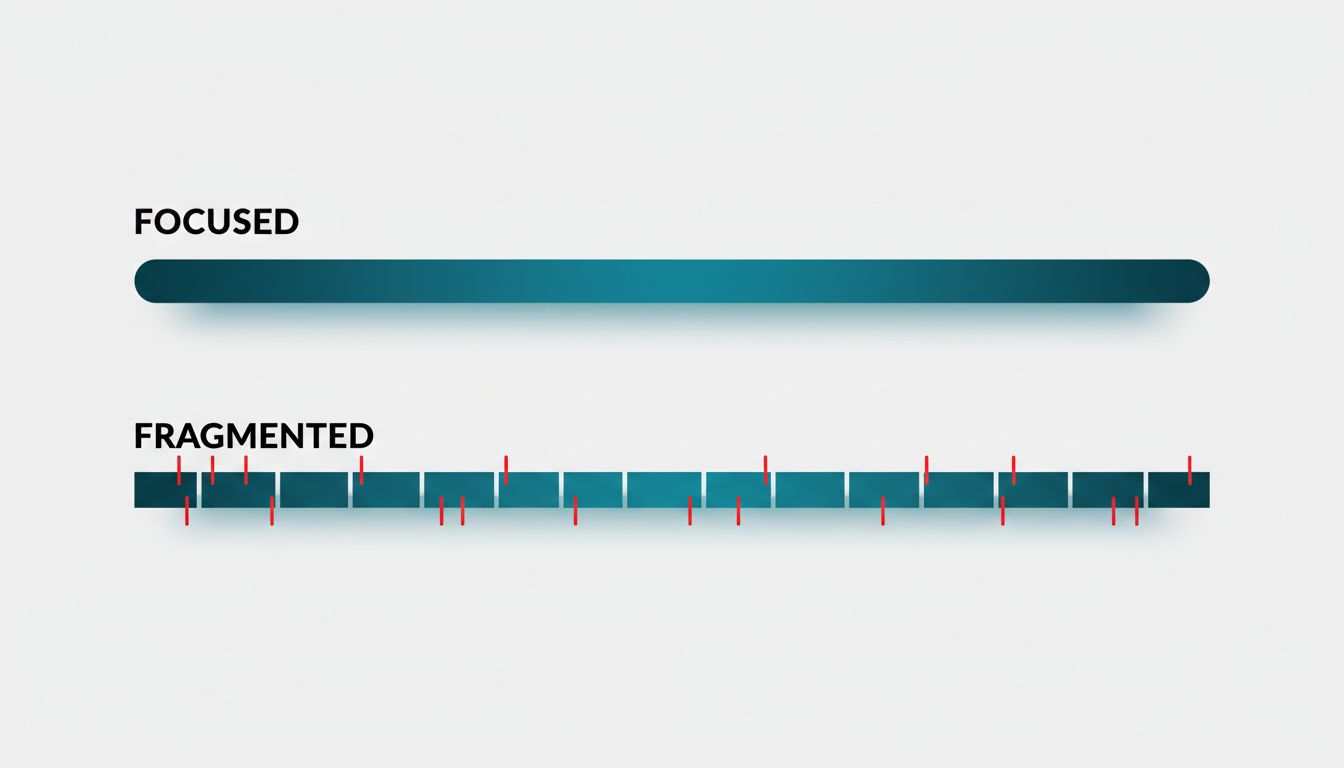
Here’s why this matters more than it seems on the surface. Fragmented attention doesn’t just cost you individual blocks of time. It degrades the quality of the work you produce during the blocks you do have.
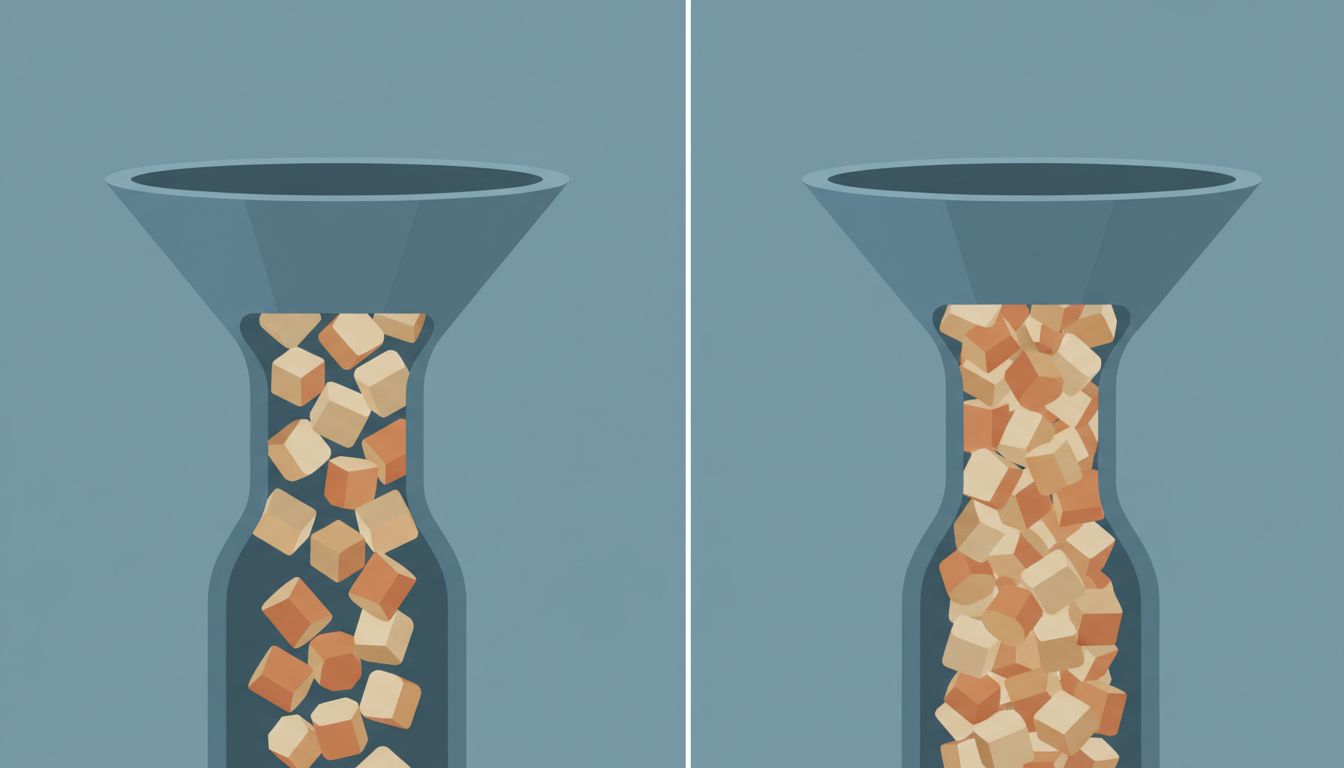
Deep work, the kind that produces genuinely good thinking, good writing, good code, requires sustained focus. Context switching doesn’t just slow you down; it rewrites what you were thinking. You arrive at the end of a distracted day having checked many things and produced few of the outputs you intended. The inputs were there. The time was nominally there. But the cognitive raw material for doing something real with them kept getting dumped and rebuilt.
The opportunity cost is asymmetric. An hour of genuine focus on a hard problem produces something qualitatively different from four fragmented fifteen-minute windows. Not just better, but different in kind. Some problems can only be solved in continuous time.
Notification settings are a small technical thing with outsized practical consequences. Most people treat them as a minor annoyance to be managed. They’re better understood as a direct control surface for how much of your own cognitive capacity you actually get to use.
The defaults are not your defaults. Change them deliberately, and then leave them alone long enough to notice the difference.